

Download Information
Availability: In stock. This product is delivered as an instant digital download.
Download the plugin installer for your device here.
To obtain a license, purchase the plugin or start a subscription free trial (can be cancelled any time).
After installation, open the plugin in your DAW and sign in with your email address and password to unlock it.
Stereo Control
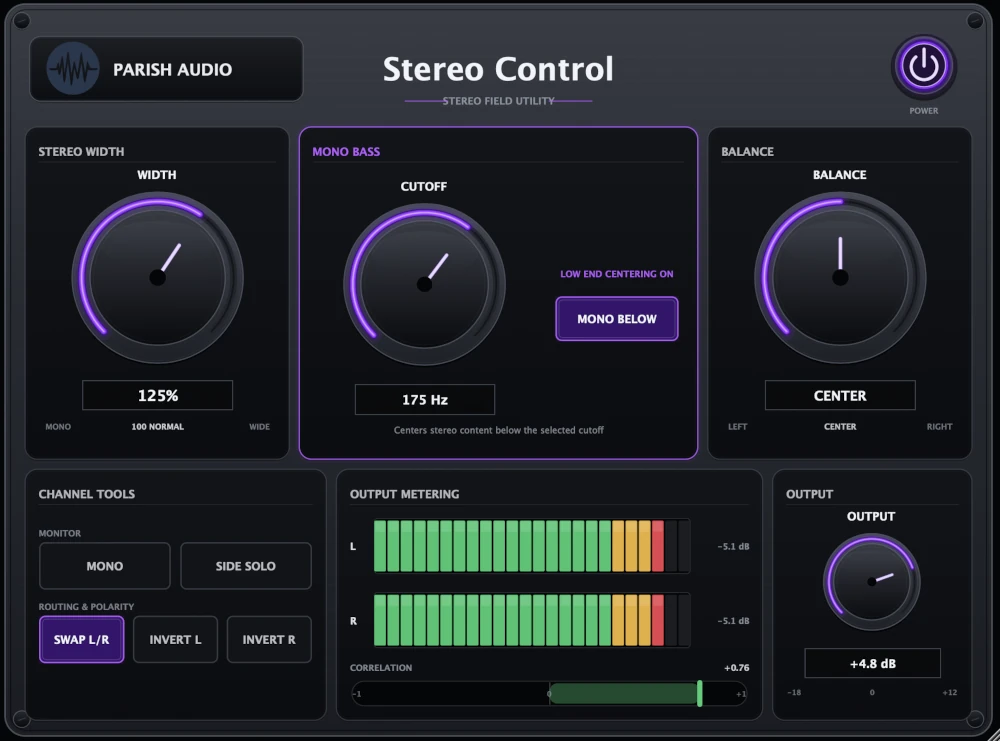
Take control of your stereo image with Stereo Control. Widen your tracks, keep the low end focused, balance left and right channels, and check mono compatibility with one easy-to-use stereo utility plugin. Everything you need to shape and manage your stereo sound in one place.
5
(1 review)
Purchase this plugin
$49.95
$29.95
One-time purchase. Add this plugin to your cart and own it permanently.
Subscription
Try it free for 7 days with an all access subscription.
$9.95 per month for access to all plugins. Cancel anytime.
Overview
A great stereo mix is about more than just making everything sound wide. Sometimes you want a synth to spread further across the speakers, a guitar to feel more focused, or the bass to stay solidly in the center while everything else fills the space around it. Stereo Control gives you a simple, flexible way to shape your stereo image and make sure your tracks sound the way you want. Start with the Width control to adjust how spacious your sound feels. Keep it at 100% to preserve the original stereo image, turn it down for a narrower, more focused sound, or increase it to spread the stereo information further across the speakers. It's great for opening up synth pads, shaping stereo guitars, or finding just the right amount of width for instruments in your mix. Stereo Control also includes a Mono Bass feature that helps keep your low frequencies centered while preserving the width of the rest of your sound. Just choose the cutoff frequency, and the plugin reduces stereo information below that point. It's especially useful for bass-heavy music, drum buses, and full mixes where you want a solid low-end foundation without sacrificing stereo space. Of course, making a mix sound wide is only part of the job. You also want to know how it holds together. With a single click, you can check your audio in mono to hear whether anything gets lost when the channels are combined. Side Solo lets you listen to the stereo difference information on its own, making it easier to hear what your widening effects, reverbs, and layered instruments are contributing. There are also some handy utilities for everyday mixing. Adjust the left-to-right Balance, swap the stereo channels, or independently invert the polarity of either side when troubleshooting a recording. Built-in level meters help you keep an eye on your output, while the correlation meter gives you visual feedback about how closely the left and right channels relate to one another. Whether you're widening a synth, managing the low end of a mix, checking stereo compatibility, or balancing a recording, Stereo Control puts the tools you need right at your fingertips. No complicated setup or unnecessary extras, just straightforward control over your stereo sound. Available as a VST3 stereo imaging plugin for Windows and in VST3 and AU formats for macOS.
Highlights
Shape your stereo image with adjustable Width, from focused mono to an expanded 200% stereo spread.
Keep bass frequencies centered with Mono Bass while preserving the stereo width of higher frequencies.
Check mono compatibility, audition the Side signal, and monitor stereo correlation to better understand your mix.
Balance left and right channels, swap their positions, or invert polarity for quick stereo adjustments and troubleshooting.
Available for Windows (VST3) and macOS (VST3 and AU).
Controls
Controls how wide your stereo image feels. At 100%, your original stereo width stays the same. Turn it down to narrow the sound toward mono, or increase it up to 200% for a wider, more spacious presentation. Great for opening up synths, guitars, and other stereo instruments, or keeping supporting tracks more focused in the mix.
Reduces stereo information in the lower frequencies to help keep your bass centered and focused. Enable it when you want a more solid low-end foundation without narrowing the entire mix. Especially useful on drum buses, electronic music, stereo bass instruments, and full mixes.
Sets the frequency below which Mono Bass reduces stereo width. Keep it low to focus only the deepest bass frequencies, or raise it to bring more of the low end toward the center. Experiment with different settings to find the right balance between a focused bass foundation and the stereo width of your mix.
Adjusts the volume balance between the left and right channels. Move it toward the left to reduce the right channel, or toward the right to reduce the left. Useful for correcting an unbalanced stereo recording or fine-tuning where a stereo sound sits in your mix.
Combines the left and right channels into a centered mono signal. Use it to check how your tracks and mixes translate when played through a single speaker or another mono playback system. It's particularly helpful for identifying wide stereo effects or layered sounds that lose impact when the channels are combined.
Lets you listen to only the Side component of your stereo signal—the differences between the left and right channels. Use it to hear what your stereo effects, reverbs, doubled parts, and wide instruments are contributing to the stereo image. It's a handy way to understand exactly where your stereo width is coming from.
Swaps the left and right audio channels. Use it to reverse the stereo image, correct channels that were recorded or routed backward, or experiment with how a stereo recording fits into your mix.
Reverses the polarity of the left channel. Useful when troubleshooting phase-related cancellation, working with stereo microphone recordings, or checking how signals combine with other tracks.
Reverses the polarity of the right channel. Like Invert L, it can help you test polarity relationships and identify cancellation issues when combining stereo or multi-microphone recordings.
Adjusts the final volume after Stereo Control's processing. Use it to balance your level in the mix or match the original volume when comparing different stereo settings.
Suggested Plugins
Explore a few more Parish Audio plugins that you might like.
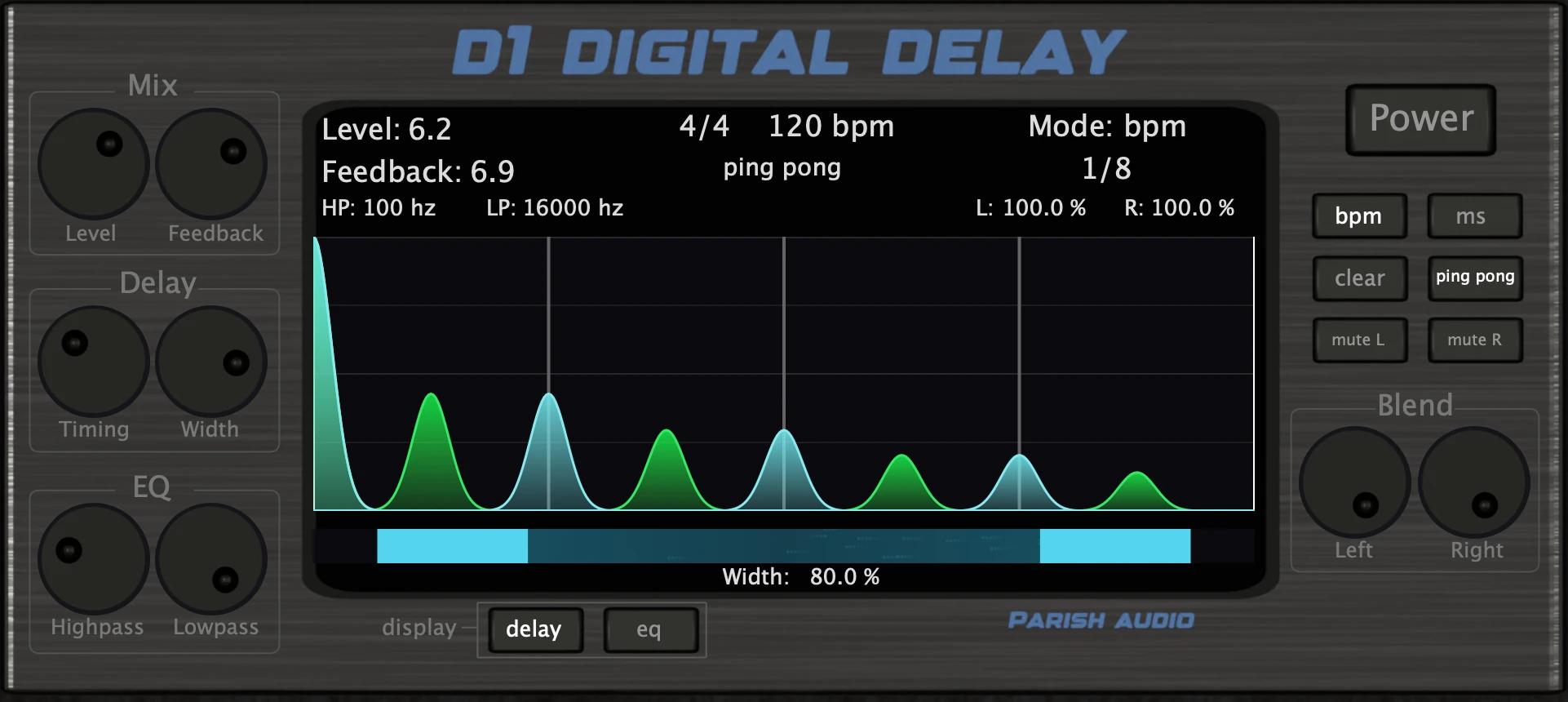
D1 Delay
5 (2)
A versatile delay plugin for everything from subtle echoes to wide, rhythmic stereo effects.
$99.95
$49.95
View
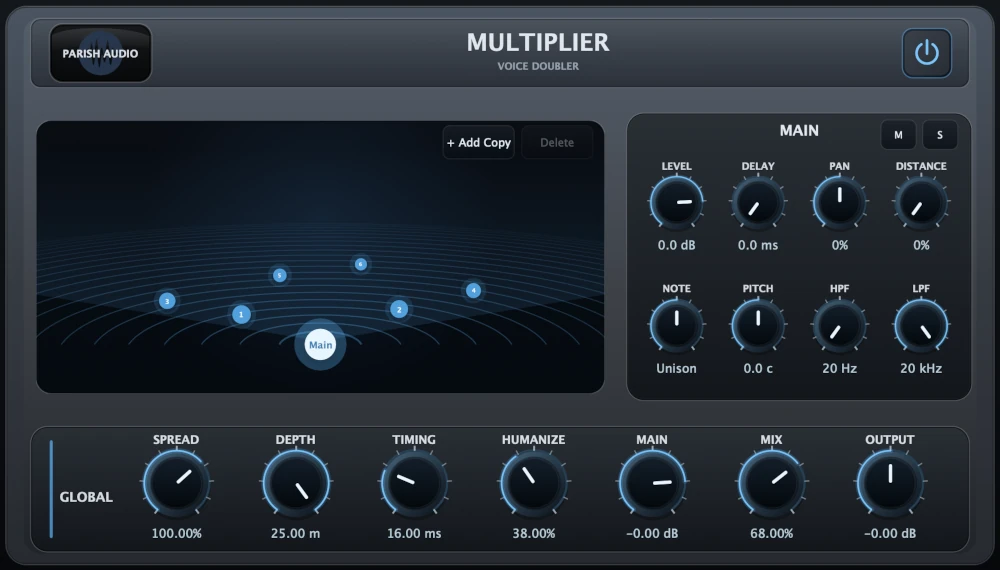
Multiplier
5 (1)
A versatile vocal doubler plugin that turns one recording into natural doubles, wide stereo layers, and rich vocal stacks.
$99.95
$69.95
View
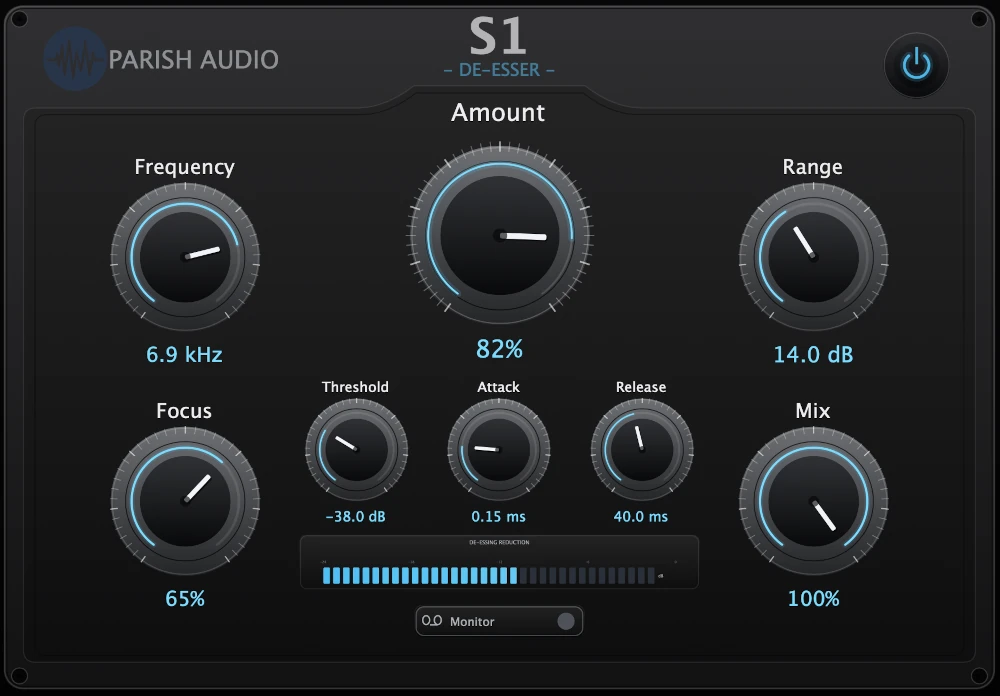
S1 De-Esser
5 (1)
De-essing that keeps vocals clear, smooth, and controlled.
$79.95
$29.95
View
Format: