

Download Information
Availability: In stock. This product is delivered as an instant digital download.
Download the plugin installer for your device here.
To obtain a license, purchase the plugin or start a subscription free trial (can be cancelled any time).
After installation, open the plugin in your DAW and sign in with your email address and password to unlock it.
Multiplier
Turn one vocal into a whole stack of voices with Multiplier. Create natural-sounding doubles, wide stereo vocals, and rich backing layers without recording additional takes. This flexible vocal doubler plugin lets you shape each voice individually for everything from subtle thickening to big, layered vocal effects.
5
(1 review)
Purchase this plugin
$69.95
$34.97
Sale price applied automatically at checkout.
One-time purchase. Add this plugin to your cart and own it permanently.
Subscription
Try it free for 7 days with an all access subscription.
$9.95 per month for access to all plugins. Cancel anytime.
Overview
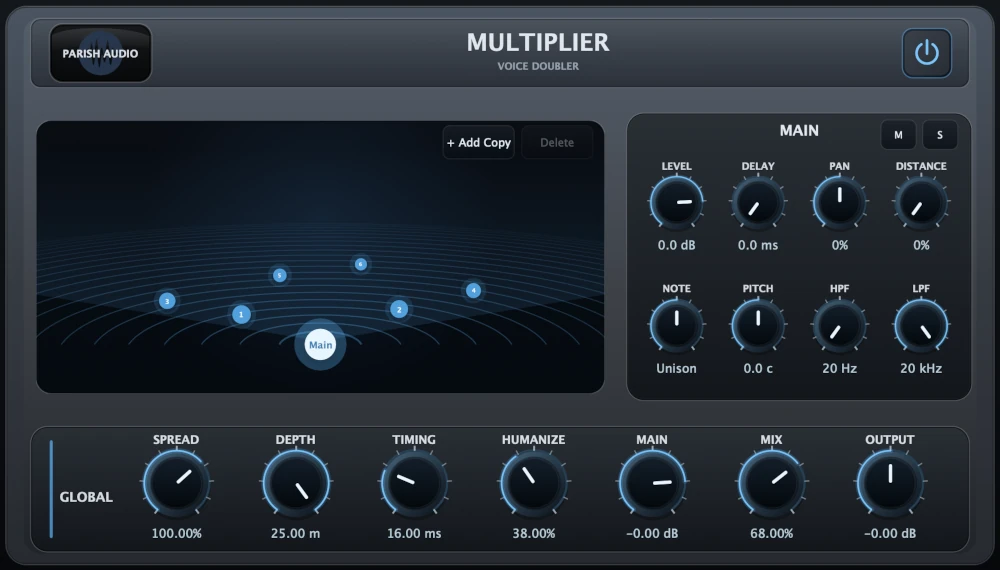
Want to make your lead vocal sound bigger, create wide backing layers, or give a chorus that extra lift? Multiplier lets you turn a single vocal recording into multiple layered voices, giving you the fullness and width of vocal doubling without having to record every part separately. Unlike a simple chorus or doubling effect, Multiplier gives you individual control over each added voice. Adjust its timing, pitch, stereo position, distance, and tone to create layers that feel like separate performances. Keep the differences small for a tight, natural-sounding double, or spread the voices apart for a bigger, more spacious vocal arrangement. You can even shift individual voices by musical notes to experiment with harmonies and creative pitch effects. Getting started is easy. The global Spread, Depth, Timing, and Humanize controls let you shape the entire vocal stack at once. Add a little natural variation to make the layers feel less mechanical, widen the voices across the stereo field, or adjust their timing to create more separation. From there, use the Mix control to blend the added voices with your original vocal until everything sits just right. When you want more control, you can fine-tune each voice separately. Pan some layers left and right, move others further back, adjust their pitch, or use the built-in high-pass and low-pass filters to give each one its own place in the mix. Add as many voices as you need for your arrangement, and use Mute and Solo to hear exactly what each layer contributes. Multiplier is great for thickening lead vocals, adding width to a chorus, building backing vocal stacks, or creating bigger, more atmospheric vocal textures. Whether you want a subtle double that you barely notice or a full arrangement of layered voices, Multiplier gives you a creative way to get more out of a single performance. Available as a VST3 vocal doubling plugin for Windows and in VST3 and AU formats for macOS.
Highlights
Turn a single vocal recording into natural-sounding doubles, wide stereo vocals, and rich backing layers.
Create fuller lead vocals and bigger choruses without having to record multiple takes.
Quickly shape your vocal stack with global Spread, Depth, Timing, and Humanize controls.
Customize each voice with individual pitch, delay, pan, distance, level, and EQ filtering for complete control over your layers.
Available for Windows (VST3) and macOS (VST3 and AU).
Controls
Turns the Multiplier effect on or off.
Controls how wide the added voices reach across the stereo field. Lower settings keep the layers closer to the center, while higher settings create a wider, more spacious vocal sound.
Controls the size of the virtual space used by the added voices. Use lower settings for tight, close doubling or higher settings for a deeper, more spread-out vocal stack.
Adjusts the time separation between the voices. Shorter timing keeps the effect tighter and more focused, while longer timing creates more obvious layering and separation.
Adds subtle pitch and timing movement to the added voices, helping the layers feel more natural and less static.
Controls the level of the original/main voice inside the Multiplier engine.
Blends the added voices with the main vocal. Lower settings add subtle thickness, while higher settings make the doubled and stacked voices more noticeable.
Adjusts the final output level after the effect.
Adds another voice to the stack, allowing you to build anything from a simple double to a larger layered vocal arrangement.
Removes the selected added voice from the stack.
Mutes the selected voice so you can quickly hear the rest of the stack without it.
Solos the selected voice so you can fine-tune its placement, tone, and movement.
Controls the volume of the selected voice.
Sets the delay time for the selected voice. Small amounts create tight doubling, while higher values create more separation between the layers.
Moves the selected voice left or right in the stereo field.
Moves the selected voice closer or farther back in the virtual space, changing its level, delay, and tone in a way that helps create depth.
Shifts the selected voice by musical semitones. This can be used for unison doubling, octave-style effects, or more creative harmony layers.
Fine-tunes the selected voice in cents, making it useful for natural detuning, thickening, and subtle variation between layers.
Cuts low frequencies from the selected voice, helping keep the doubled layers clean and out of the way of the main vocal.
Cuts high frequencies from the selected voice, allowing the added layers to sit softer, darker, or farther back in the mix.
Suggested Plugins
Explore a few more Parish Audio plugins that you might like.
D1 Delay
5 (2)
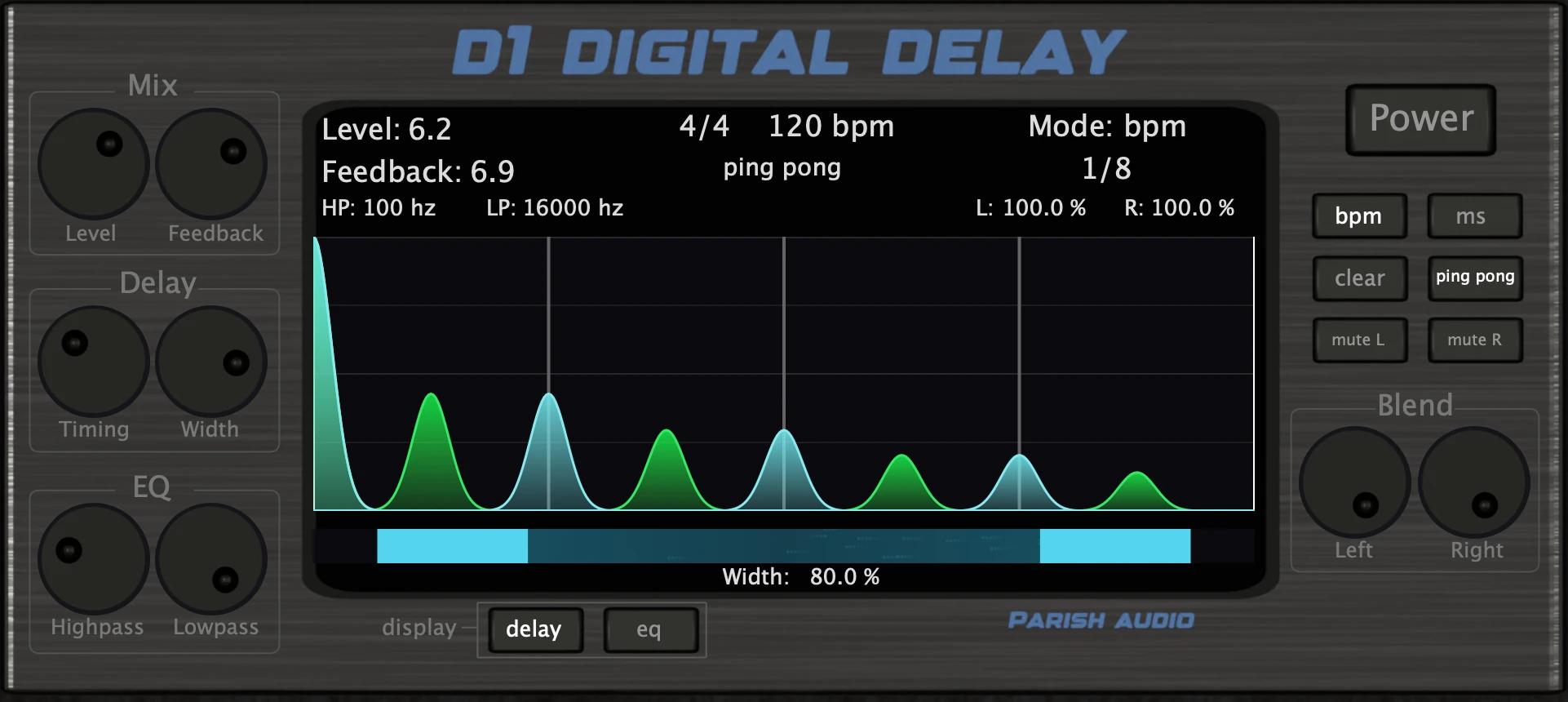
A versatile delay plugin for everything from subtle echoes to wide, rhythmic stereo effects.
$99.95
$49.95
View
Afterburner Guitar Cab Finisher
5 (2)
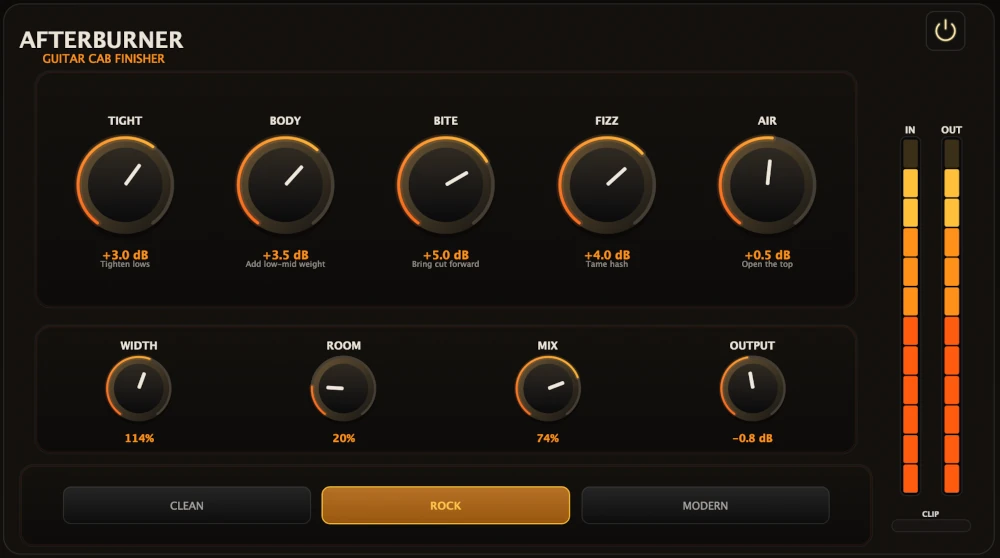
Bring out more harmonic depth, sustain, punch, and presence from your favorite guitar tones.
$99.95
$39.95
View
Aurora Chorus
5 (1)
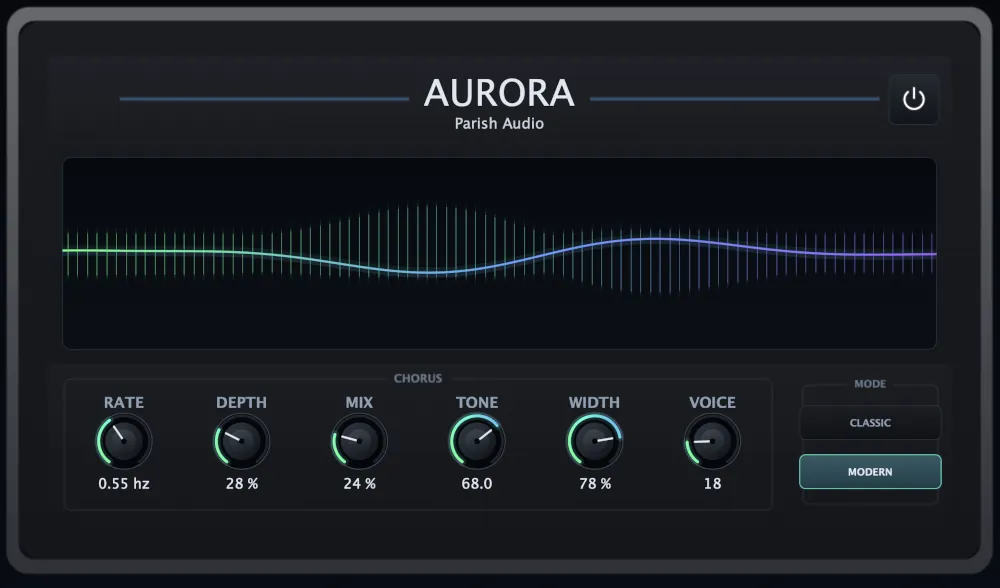
A versatile chorus plugin for adding width, richness, and smooth, expressive movement.
$99.95
$49.95
View
Format: