

Parish Audio
Fall Sale
40% OFF
All Plugins and Bundles
Through October 15
Discount applied automatically
Download Information
Availability: In stock. This product is delivered as an instant digital download.
Download the plugin installer for your device here.
To obtain a license, purchase the plugin or start a subscription free trial (can be cancelled any time).
After installation, open the plugin in your DAW and sign in with your email address and password to unlock it.
S1 De-Esser
The S1 De-Esser smooths sharp, distracting sibilance while helping vocals remain clear, present, and natural.
5
(1 review)
Purchase this plugin
$29.95
$17.97
Sale price applied automatically at checkout.
One-time purchase. Add this plugin to your cart and own it permanently.
Subscription
Try it free for 7 days with an all access subscription.
$9.95 per month for access to all plugins. Cancel anytime.
Overview
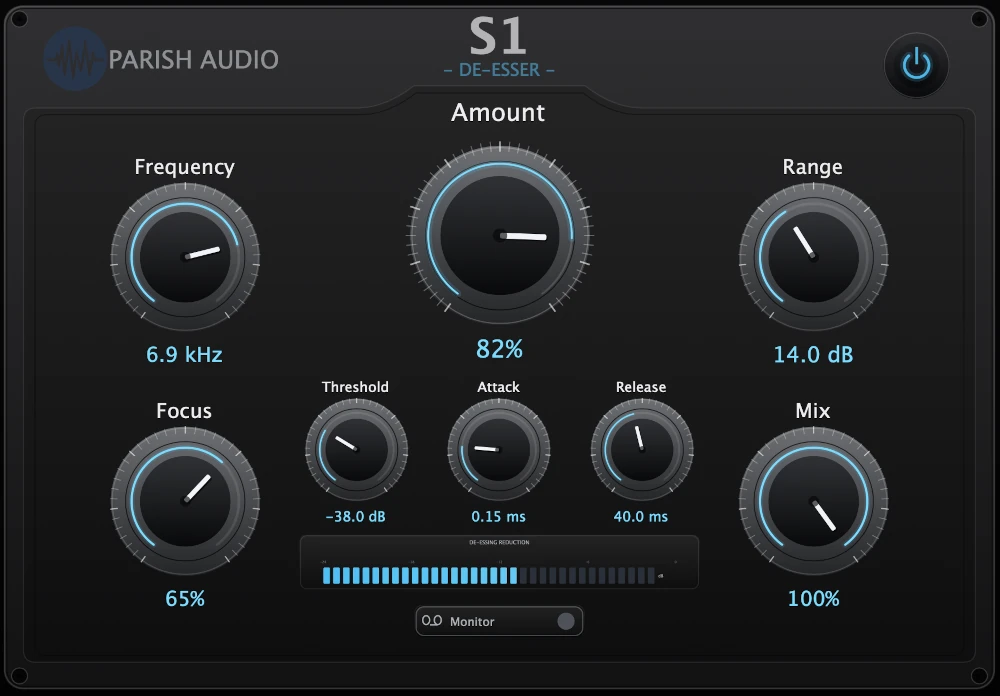
The S1 De-Esser is built to control the sharp S, SH, and T sounds that can make an otherwise strong vocal feel harsh or tiring. Instead of darkening the entire track to solve a few problem moments, S1 responds when sibilance becomes too prominent and reduces the affected area while leaving the rest of the performance intact. This makes it easier to keep the clarity and presence that help a vocal sit forward in the mix without letting certain words jump out aggressively. S1 can provide light, nearly invisible control on a well-recorded performance or more assertive smoothing when compression, EQ, the microphone, or the singer has made the upper frequencies difficult to manage. The controls are designed to help you find the problem quickly and decide how firmly it should be handled. You can target the part of the frequency range where the sibilance is occurring, adjust how broad or focused the processing should be, and limit the maximum reduction so the vocal does not become dull or unnatural. Attack, release, and mix controls provide further control over how the processing responds and blends with the original signal. A dedicated Monitor function lets you hear the sound being removed, making it easier to confirm that S1 is reacting to the unwanted sibilance rather than taking away important vocal detail. The reduction display then gives you a clear view of how much processing is taking place as the performance plays. The result is a focused de-esser that helps vocals sound smoother and more comfortable without sacrificing the brightness, detail, and energy that make the performance work. It is equally useful for sung vocals, dialogue, spoken-word recordings, and other sources where a narrow area of the upper frequencies needs better control.
Highlights
Tames sharp S, SH, and T sounds without unnecessarily darkening the entire vocal.
Helps preserve presence, brightness, and detail while controlling distracting high-frequency peaks.
Includes a Monitor function and reduction display to make problem frequencies easier to identify.
Provides gentle smoothing or stronger correction while keeping maximum reduction under control.
Available for Windows as VST3 and macOS as VST3 and AU.
Controls
Turns the effect on or off.
Controls how strongly S1 responds to detected sibilance. Lower settings provide light, transparent smoothing, while higher settings apply firmer control to more difficult recordings.
Targets the area where the unwanted sibilance is most prominent. Adjust it to match the voice, microphone, and recording rather than reducing more of the upper range than necessary.
Controls how broadly or precisely S1 works around the selected frequency. Use a wider focus for general upper-frequency control or a narrower focus when the problem is concentrated in a specific area.
Determines how prominent the sibilance must become before reduction begins. Set it so normal vocal detail passes naturally while sharper sounds trigger the processing.
Sets how quickly S1 reacts when sibilance appears. Faster settings catch sudden, sharp consonants, while slower settings allow more of the original leading edge to remain.
Controls how quickly the reduction lets go after the sibilance has passed. Adjust it to keep the response smooth and prevent the processing from sounding abrupt or remaining active for too long.
Sets the maximum amount of reduction S1 can apply. This helps keep difficult moments under control while preventing the vocal from becoming overly dull or lispy.
Blends the processed signal with the original. Use it at full strength for direct de-essing or blend some dry signal back in for gentler parallel control.
Lets you listen to the material being removed. This makes it easier to locate the problem area and confirm that S1 is targeting sibilance rather than important vocal tone.
Suggested Plugins
Explore a few more Parish Audio plugins that you might like.
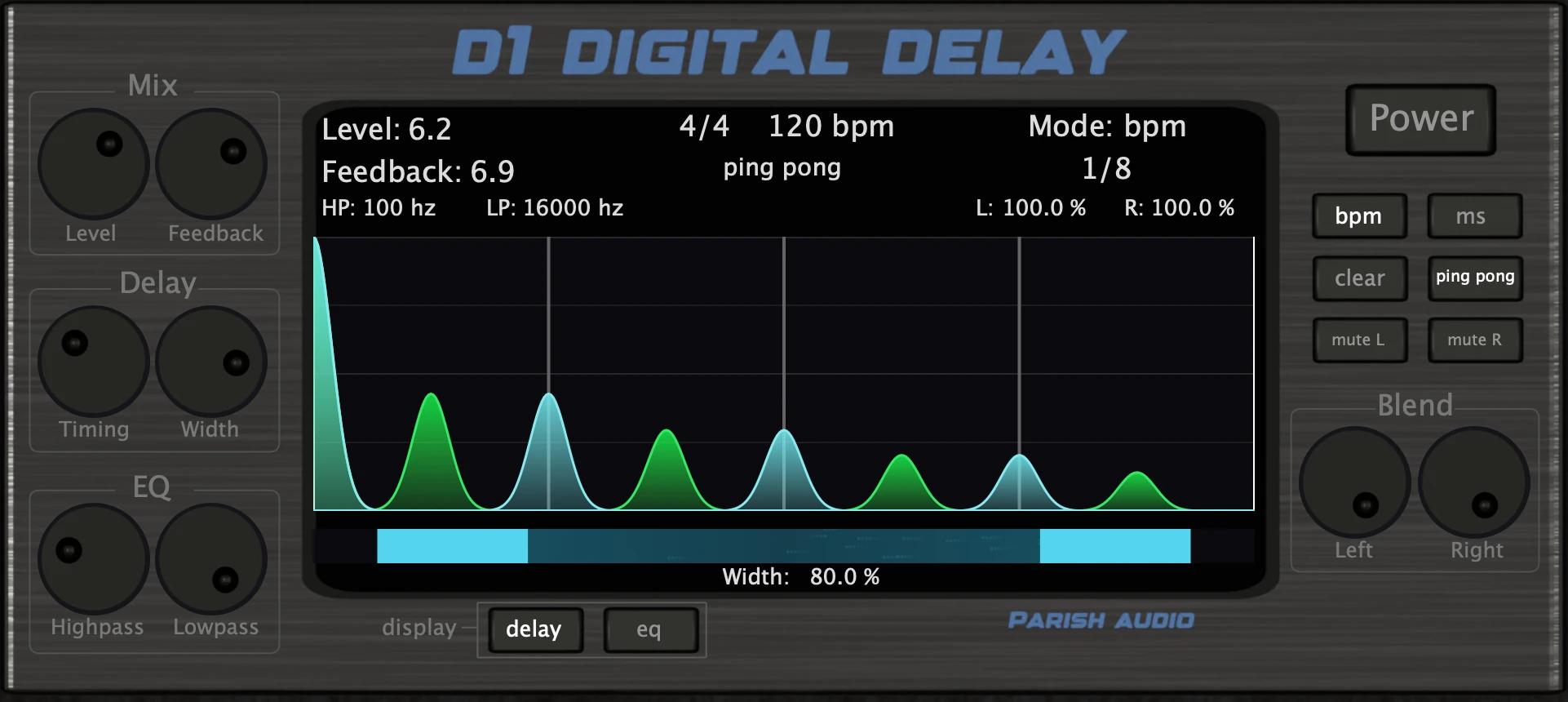
D1 Delay
5 (2)
A versatile delay plugin for everything from subtle echoes to wide, rhythmic stereo effects.
$49.95
$29.97
View
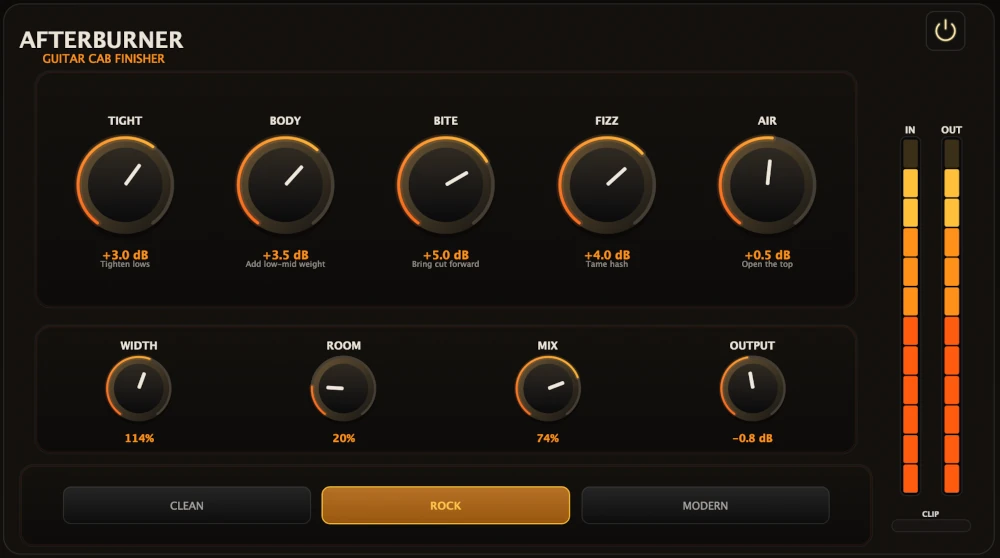
Afterburner Guitar Cab Finisher
5 (2)
Bring out more harmonic depth, sustain, punch, and presence from your favorite guitar tones.
$39.95
$23.97
View
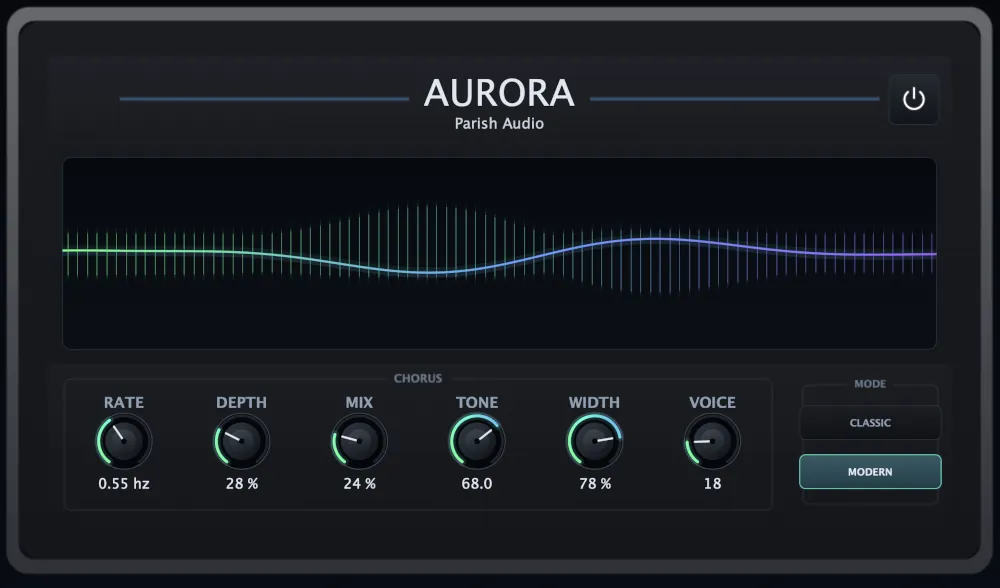
Aurora Chorus
5 (1)
A versatile chorus plugin for adding width, richness, and smooth, expressive movement.
$49.95
$29.97
View
Format: