

Parish Audio
Fall Sale
40% OFF
All Plugins and Bundles
Through October 15
Discount applied automatically
Download Information
Availability: In stock. This product is delivered as an instant digital download.
Download the plugin installer for your device here.
To obtain a license, purchase the plugin or start a subscription free trial (can be cancelled any time).
After installation, open the plugin in your DAW and sign in with your email address and password to unlock it.
Product Demo
D1 Delay
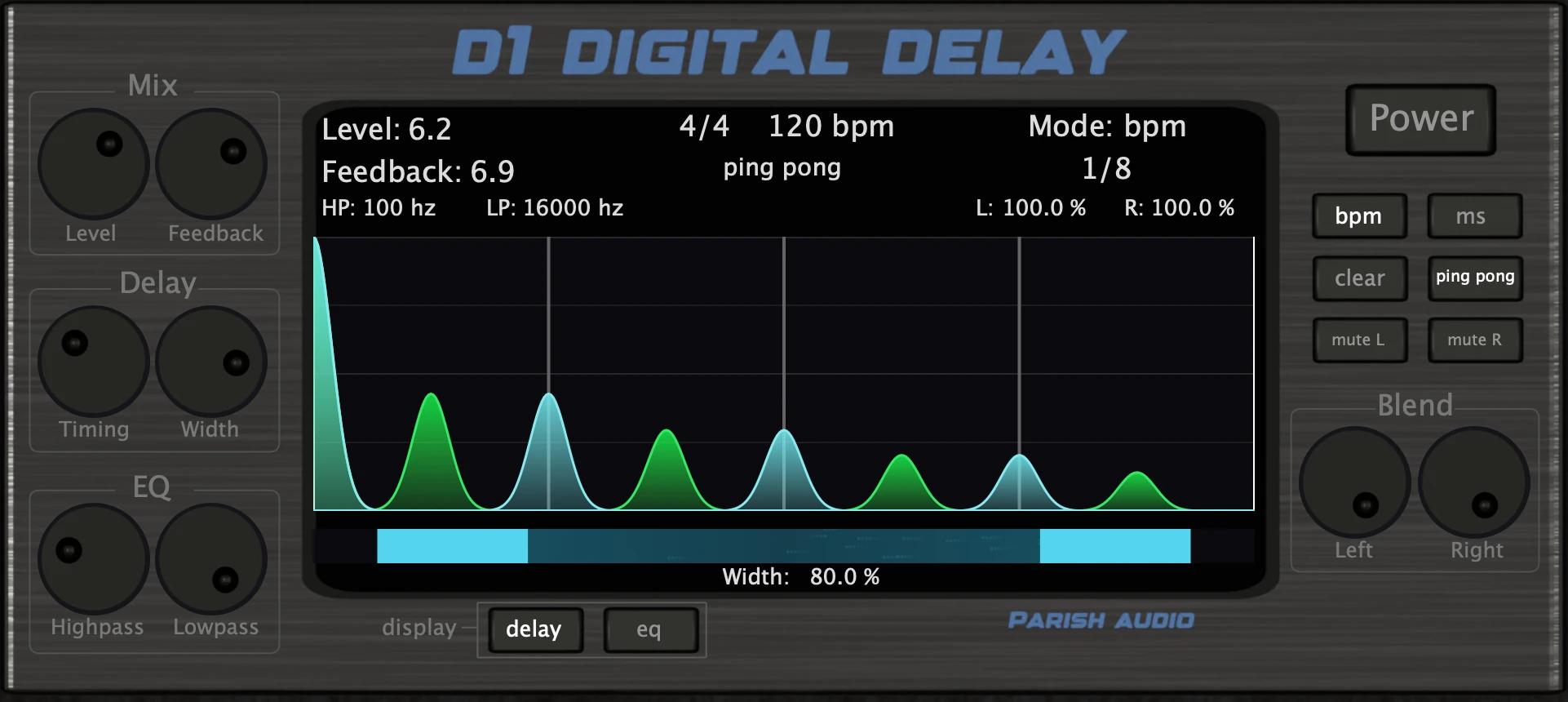
From subtle echoes to wide, rhythmic repeats, D1 Delay makes it easy to add depth, space, and movement to your music. This versatile delay plugin gives you the tools to shape everything from simple echoes to spacious stereo effects.
5
(2 reviews)
Purchase this plugin
$49.95
$29.97
Sale price applied automatically at checkout.
One-time purchase. Add this plugin to your cart and own it permanently.
Subscription
Try it free for 7 days with an all access subscription.
$9.95 per month for access to all plugins. Cancel anytime.
Overview
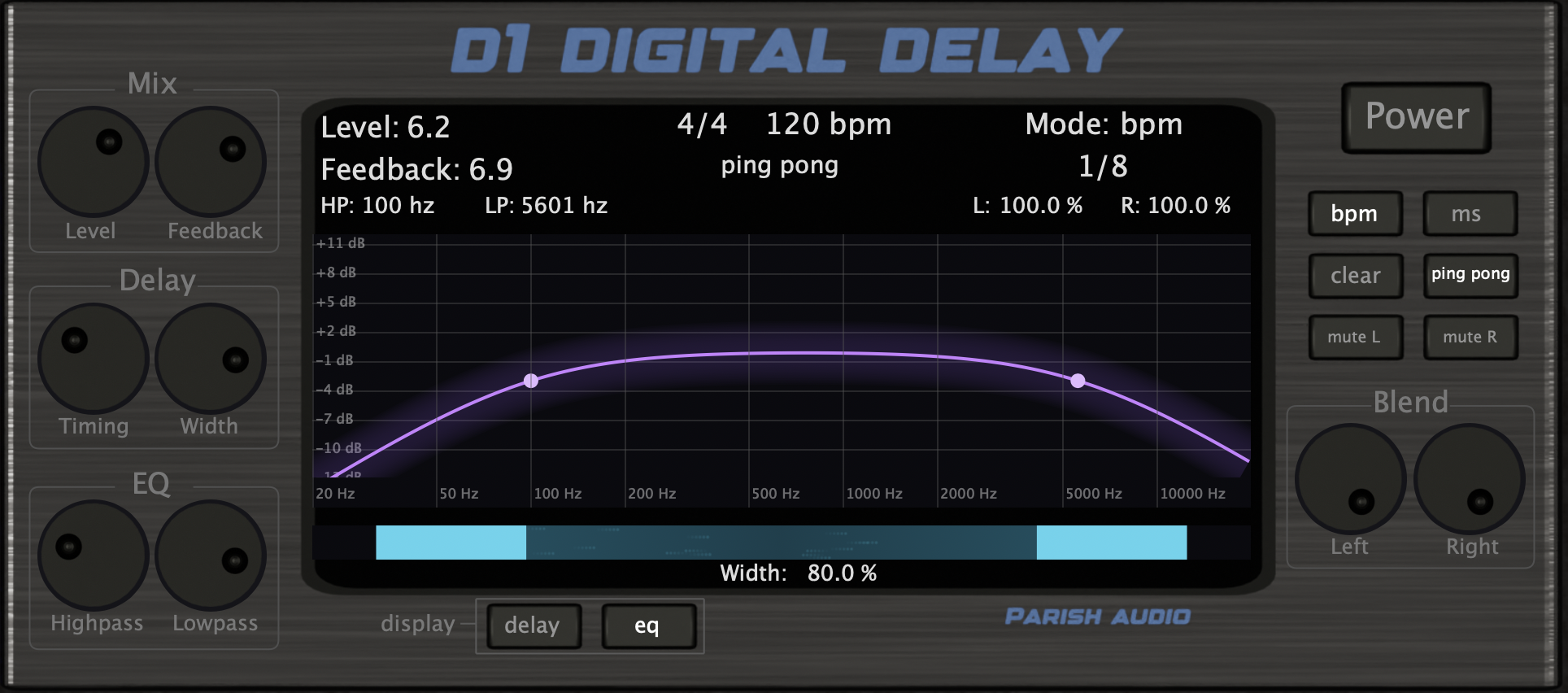
Sometimes a little delay is all you need to make a track feel bigger. Other times, you want rhythmic repeats that become part of the music. D1 Delay gives you the flexibility to do both, whether you're adding some space to a vocal, creating bouncing guitar echoes, or bringing movement and atmosphere to a synth. Getting the timing right is easy. Sync your delay to your project's tempo for repeats that fall right on the beat, or switch to milliseconds when you want more precise control. Adjust the Feedback for anything from a single, quick echo to long trails of repeating sound. You can also use Ping-Pong mode to send the repeats bouncing between the left and right speakers, creating a wider, more animated stereo effect. One of the challenges with delay is keeping the repeats from getting in the way of the original sound. D1 Delay includes built-in high-pass and low-pass filters that let you shape the tone of your echoes. Roll off some low end to keep things from getting muddy, or soften the highs for warmer, more distant repeats that sit naturally behind your track. With straightforward controls for timing, feedback, width, and tone, it's easy to get the sound you're after without slowing down your workflow. Whether you're looking for a subtle finishing touch or a big, atmospheric stereo delay, D1 Delay gives you plenty of creative options. It's available as a VST3 plugin for Windows and in VST3 and AU formats for macOS.
Highlights
Create everything from subtle, short echoes to long, atmospheric delay trails.
Sync repeats to your project's tempo or dial in exact delay times in milliseconds.
Add width and movement with stereo controls and bouncing Ping-Pong delays.
Shape your echoes with built-in high-pass and low-pass filters to keep your mix clear.
Available for Windows (VST3) and macOS (VST3 and AU).
Controls
Sets the overall volume of the delay signal in the mix. Use it to keep the repeats subtle and supportive or bring them forward for a more obvious effect.
Controls how many times the delay repeats and how long it lasts. Lower settings create shorter, cleaner echoes, while higher settings produce longer trails and more sustained delay textures.
Adjusts the delay time. This can be set freely in milliseconds or synced to your tempo when using BPM sync mode.
Controls the stereo spread of the delay signal. Lower settings keep the repeats more focused, while higher settings create a wider, more spacious stereo image.
Applies a high-pass filter to the delay signal to remove low-end buildup. This helps the repeats stay clear and prevents them from crowding the mix.
Applies a low-pass filter to the delay signal to soften the top end of the repeats. Use it to create warmer, darker echoes or to keep the delay tucked behind the source.
Turns the effect on or off.
Switches the delay time mode to tempo-synced note values for rhythmically locked repeats.
Switches the delay time mode to milliseconds for manual control over the repeat timing.
Instantly clears the delay buffer and removes any current repeats.
Enables ping-pong mode, causing the repeats to alternate between the left and right channels for a wider, more animated stereo effect.
Mutes the delay signal on the left channel.
Mutes the delay signal on the right channel.
Suggested Plugins
Explore a few more Parish Audio plugins that you might like.
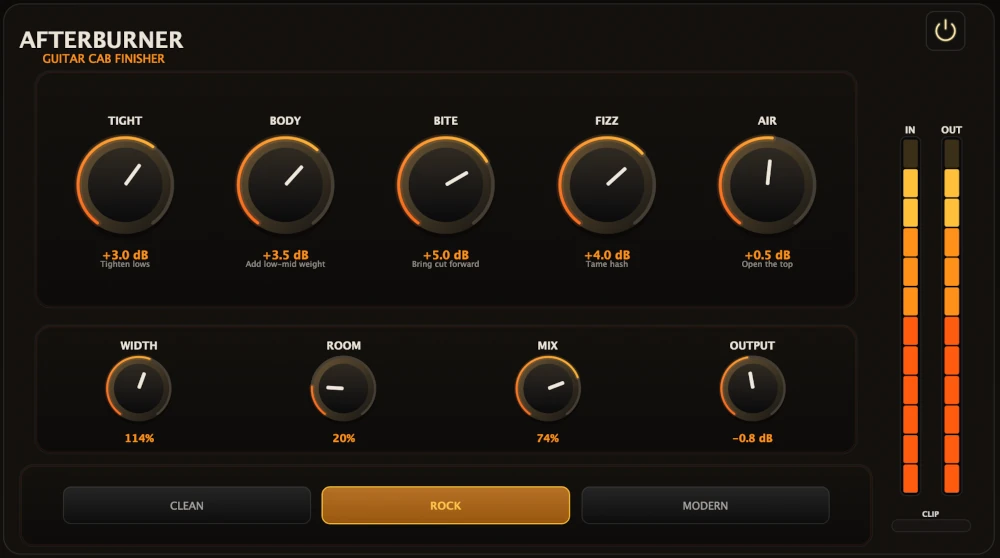
Afterburner Guitar Cab Finisher
5 (2)
Bring out more harmonic depth, sustain, punch, and presence from your favorite guitar tones.
$39.95
$23.97
View
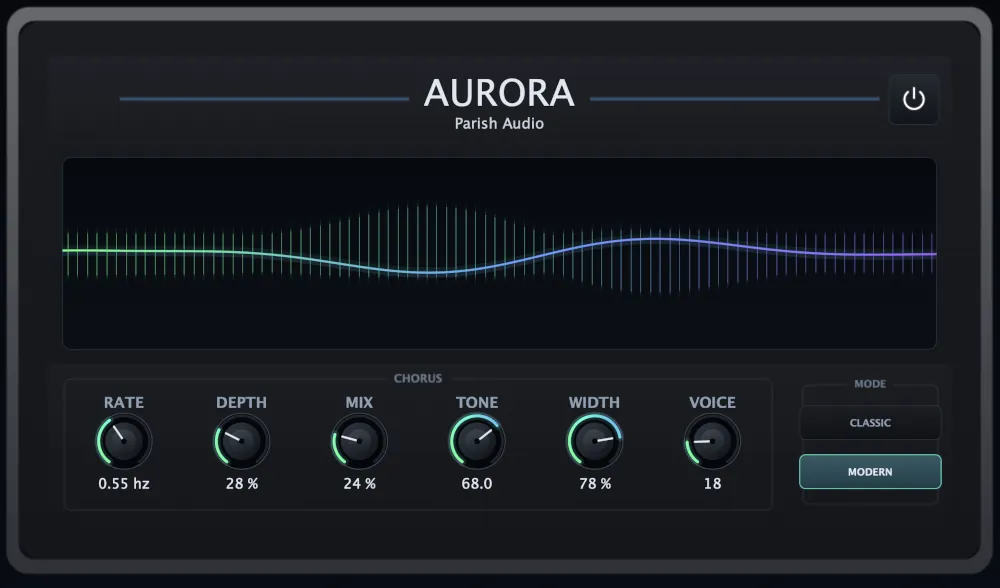
Aurora Chorus
5 (1)
A versatile chorus plugin for adding width, richness, and smooth, expressive movement.
$49.95
$29.97
View
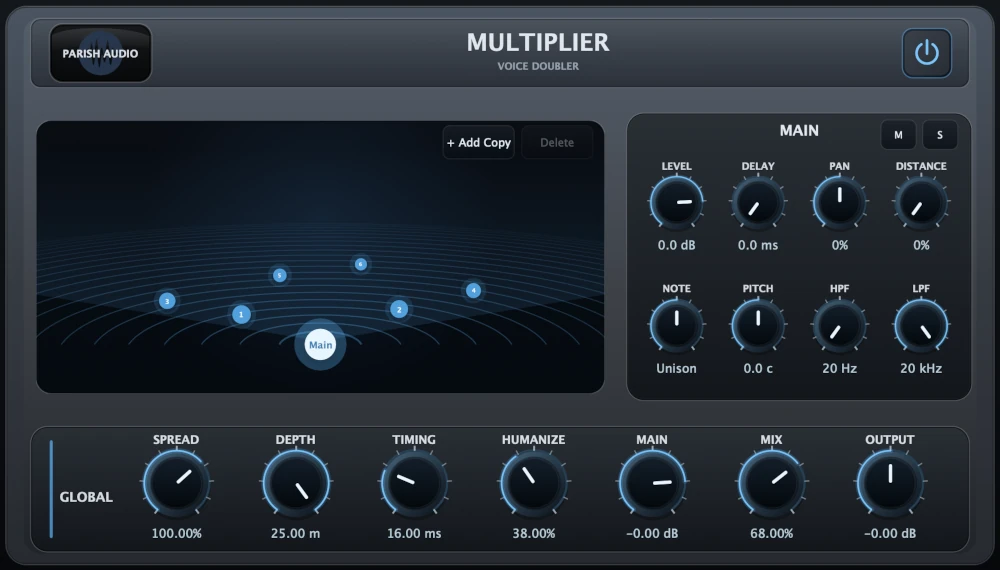
Multiplier
5 (1)
A versatile vocal doubler plugin that turns one recording into natural doubles, wide stereo layers, and rich vocal stacks.
$69.95
$41.97
View
Format: