

Parish Audio
Black Friday
60% OFF
All Plugins & Bundles
Audio Demo
Infinity Reverb
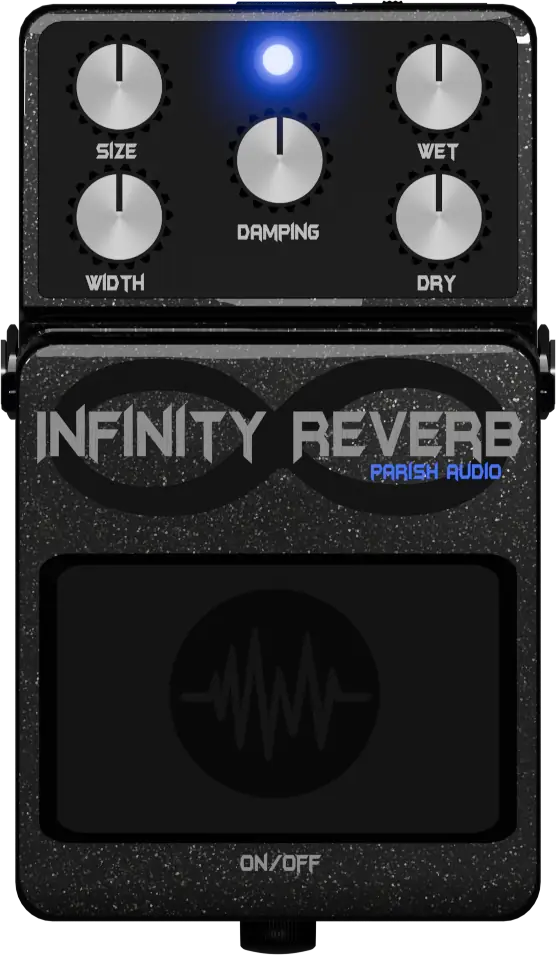
Add a little depth or create a whole new sense of space. Infinity Reverb makes it easy to give your vocals, guitars, synths, and other tracks anything from a subtle touch of ambience to a big, atmospheric reverb.
5
(3 reviews)
FREE
Download this VST3 plugin for Mac or Windows.
Overview
Sometimes a track just needs a little space to feel right. Other times, you want a big, spacious reverb that becomes part of the sound itself. Infinity Reverb lets you do both, with simple controls that make it easy to find the sound you're looking for. Add a touch of ambience to a dry vocal, give your guitars or keys more depth, or create wide, atmospheric textures with your synths. You can keep the reverb subtle so it sits naturally behind the original sound, or turn things up when you want a more dramatic effect. With controls for size, width, and damping, you can shape how the reverb feels without getting lost in settings. Separate Wet and Dry controls give you even more flexibility over how the effect blends with your sound. Whether you're adding a little finishing touch to a mix or experimenting with bigger, more spacious sounds, Infinity Reverb gives you plenty of room to explore.
Highlights
Go from subtle, natural-sounding ambience to big, atmospheric reverb tails.
Add depth and space to vocals, guitars, synths, keys, and more.
Shape the size, width, and character of your reverb with straightforward controls.
Blend your original sound and reverb with independent Wet and Dry levels.
Available for Windows as VST3 and macOS as VST3 and AU.
Controls
Controls how big the reverb feels and how long it lasts. Keep it low for a tighter, more intimate space, or turn it up for longer, more expansive reverb tails.
Adjusts how wide the reverb spreads. Keep it focused and centered, or open it up for a bigger, more spacious sound.
Controls how quickly the high frequencies fade from the reverb. Increase the damping for a warmer, darker sound, or keep it lower for a brighter, more lively tail.
Sets how much reverb you hear. Keep it low for a subtle touch of ambience, or turn it up when you want the reverb to play a bigger role in the sound.
Controls the level of your original, unaffected signal. Use it alongside the Wet control to find the right balance between your source and the reverb.
Suggested Plugins
Explore a few more Parish Audio plugins that you might like.
Vocal Pro
4.5 (2)
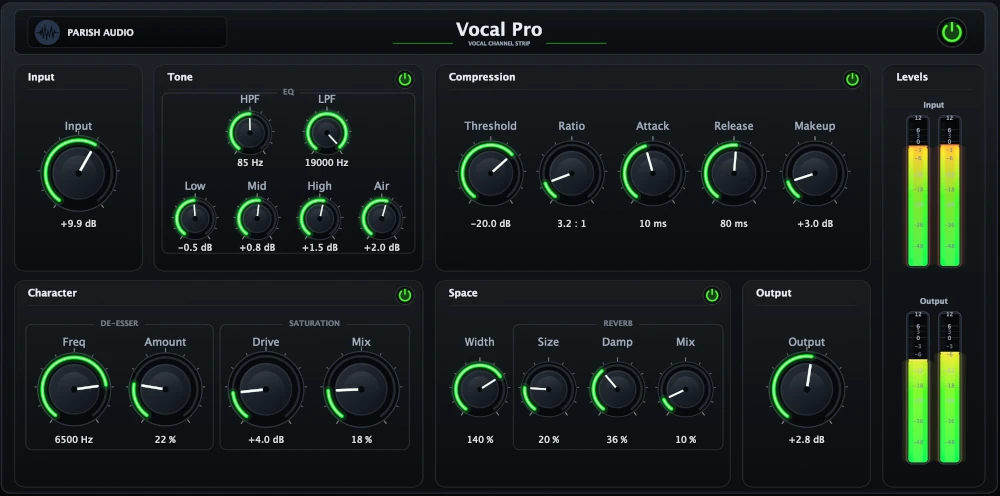
An all-in-one vocal processing plugin with EQ, compression, de-essing, saturation, and reverb.
$69.95
$27.98
View
Vocal Smoother
5 (2)
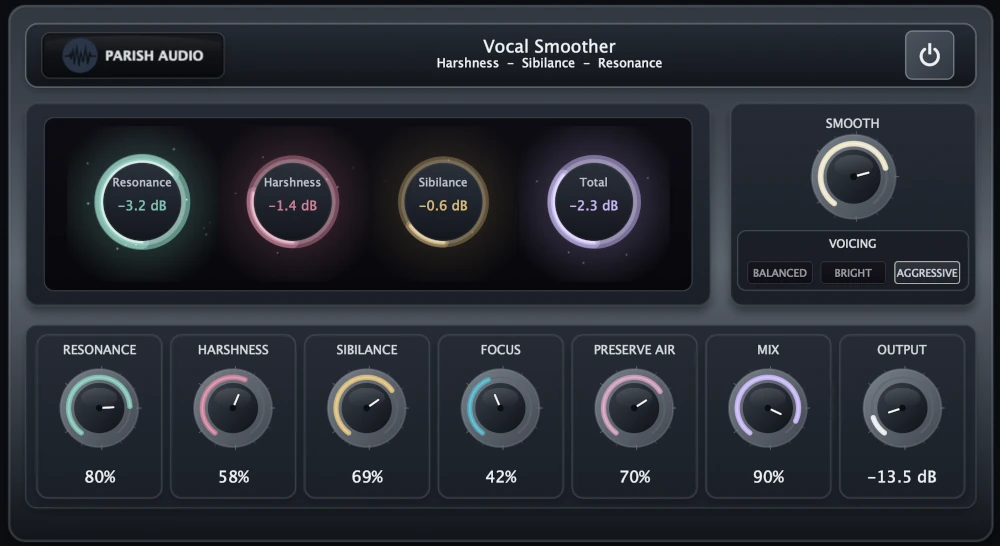
An adaptive vocal smoothing plugin that tames harshness, resonance, and sibilance while preserving clarity and presence.
$69.95
$27.98
View
D1 Delay
5 (2)
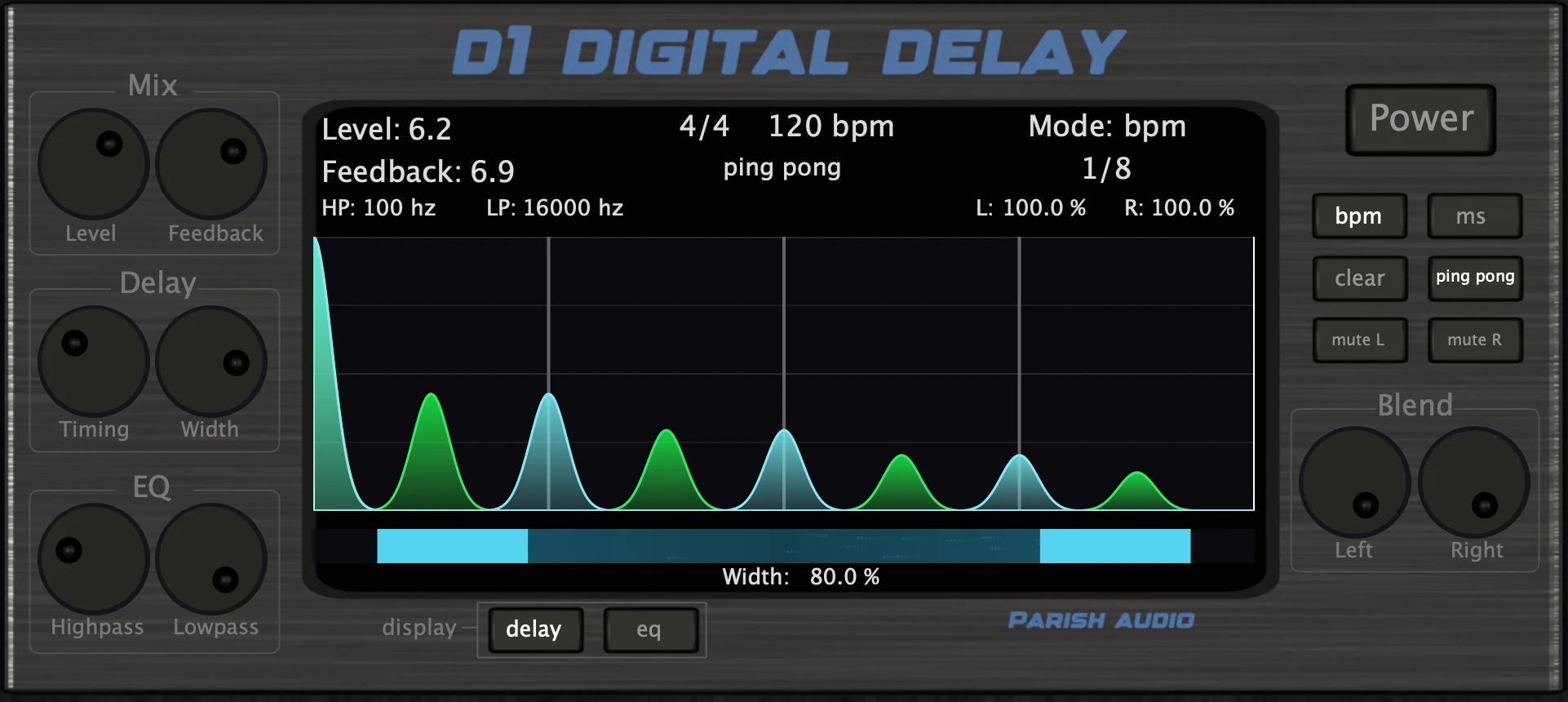
A versatile delay plugin for everything from subtle echoes to wide, rhythmic stereo effects.
$49.95
$19.98
View
Format: