

Download Information
Availability: In stock. This product is delivered as an instant digital download.
Download the plugin installer for your device here.
To obtain a license, purchase the plugin or start a subscription free trial (can be cancelled any time).
After installation, open the plugin in your DAW and sign in with your email address and password to unlock it.
Product Demo
Auto Level
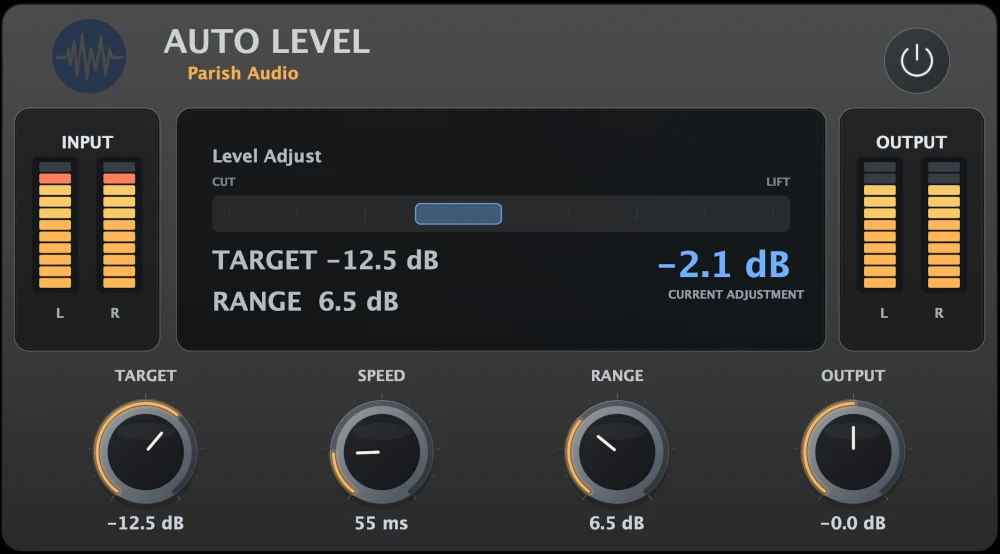
Keep your vocals, podcasts, and other audio at a more consistent volume without constantly adjusting the fader. Auto Level automatically makes smooth volume adjustments in real time, helping your tracks stay balanced, clear, and easy to listen to.
(0 reviews)
Purchase this plugin
$39.95
$23.97
Sale price applied automatically at checkout.
One-time purchase. Add this plugin to your cart and own it permanently.
Subscription
Try it free for 7 days with an all access subscription.
$9.95 per month for access to all plugins. Cancel anytime.
Overview
Ever find yourself constantly adjusting the volume of a vocal track because some words are too quiet while others jump out? Or maybe you're recording a podcast and the volume changes every time someone leans toward or away from the microphone. Auto Level takes care of those adjustments for you, automatically raising or lowering the volume to keep your audio at a more consistent level. Unlike a traditional compressor, Auto Level focuses on adjusting the overall volume rather than reshaping the dynamics of every transient. It listens to your audio and makes smooth gain adjustments to keep the signal close to your chosen target. That means you can even out a vocal performance, keep a bass line more consistent, or maintain steady volume in spoken recordings without constantly drawing automation or riding the fader. Getting started is easy. Set your Target level, adjust the Speed to control how quickly Auto Level responds, and use Range to limit how much correction it can apply. Whether you want gentle, natural-sounding adjustments or stronger leveling for a particularly dynamic recording, you have the flexibility to dial in what works best. Auto Level is especially useful for podcasts, voiceovers, YouTube videos, lead vocals, bass, and other tracks where consistent volume makes a big difference. It also works great alongside a compressor. Let Auto Level handle the broader volume changes while your compressor catches quick peaks and shapes the dynamics. Whether you're mixing music or producing spoken content, Auto Level helps keep your audio steady and your workflow moving. Spend less time chasing volume changes and more time focusing on the performance. Available as a VST3 plugin for Windows and in VST3 and AU formats for macOS.
Highlights
Automatically adjusts volume in real time to keep vocals, instruments, and spoken audio more consistent.
Great for podcasts, voiceovers, YouTube videos, and other content where steady volume matters.
Keep vocals and bass sitting comfortably in the mix without constantly riding the fader or drawing automation.
Fine-tune the response with simple Target, Speed, and Range controls, and use it alongside compression for even greater control.
Available for Windows (VST3) and macOS (VST3 and AU).
Controls
Sets the level the plugin aims to maintain. Lower values keep the signal more controlled and tucked into the mix, while higher values bring the audio forward. This is the main reference point the plugin uses when deciding whether to add gain or pull it back.
Controls how quickly the level adjustment reacts to changes in the signal. Faster settings respond more aggressively to volume shifts, while slower settings create a smoother, more gradual correction that feels more natural on longer phrases or sustained material.
Limits how much the plugin is allowed to adjust the level. Lower settings keep the effect subtle and transparent, while higher settings allow for stronger correction when dealing with wide dynamic changes.
Adjusts the final output level after processing. Use this to fine-tune your overall level, match bypass volume, or push the signal slightly forward in the mix.
Suggested Plugins
Explore a few more Parish Audio plugins that you might like.
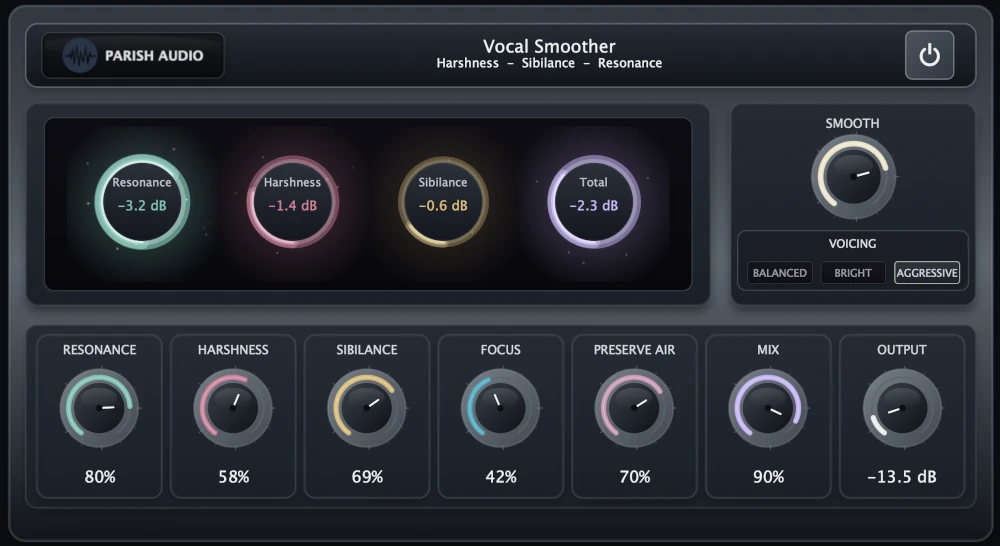
Vocal Smoother
5 (1)
An adaptive vocal smoothing plugin that tames harshness, resonance, and sibilance while preserving clarity and presence.
$69.95
$52.46
View
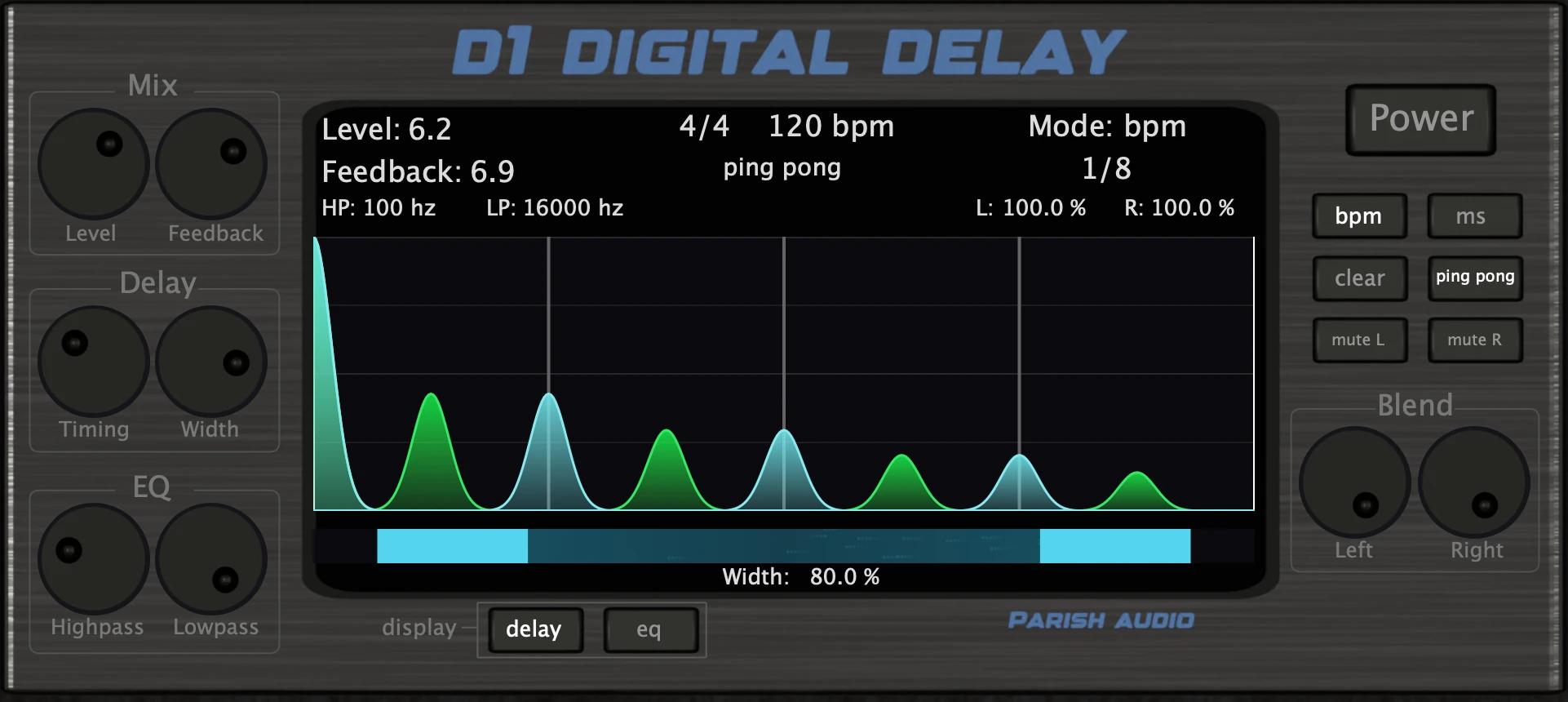
D1 Delay
5 (2)
A versatile delay plugin for everything from subtle echoes to wide, rhythmic stereo effects.
$99.95
$49.95
View
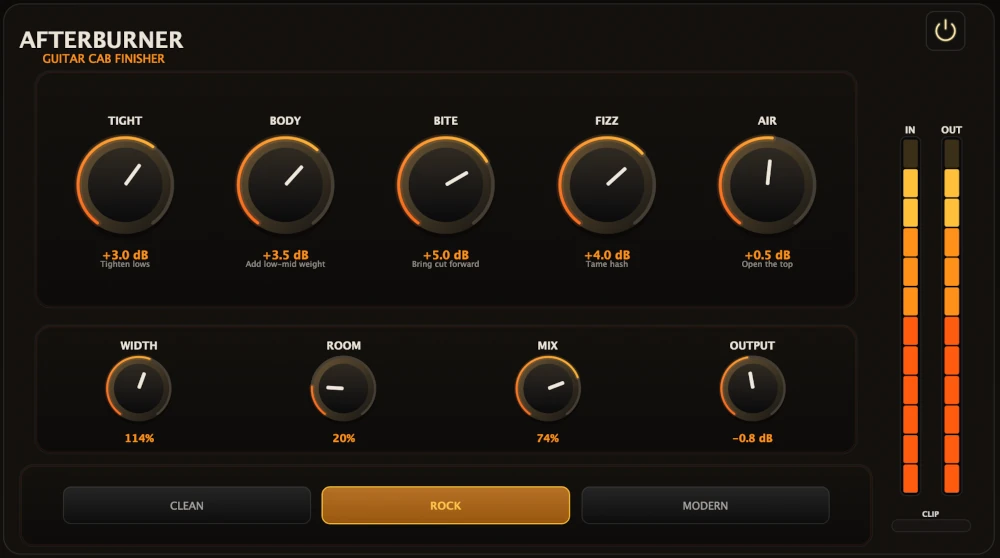
Afterburner Guitar Cab Finisher
5 (2)
Bring out more harmonic depth, sustain, punch, and presence from your favorite guitar tones.
$99.95
$39.95
View
Format: