

Parish Audio
Fall Sale
40% OFF
All Plugins and Bundles
Through October 15
Discount applied automatically
Download Information
Availability: In stock. This product is delivered as an instant digital download.
Download the plugin installer for your device here.
To obtain a license, purchase the plugin or start a subscription free trial (can be cancelled any time).
After installation, open the plugin in your DAW and sign in with your email address and password to unlock it.
Product Demo
X1 Exciter
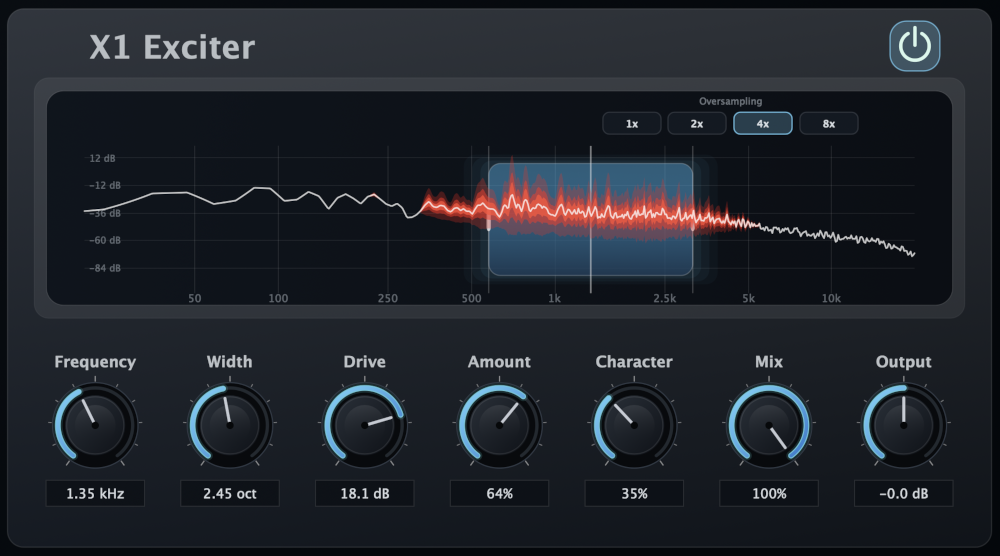
Bring out more clarity, presence, and excitement in your music with X1 Exciter. This versatile harmonic exciter plugin adds rich harmonic detail to selected frequencies, giving vocals, drums, guitars, bass, and full mixes extra definition, sparkle, and character without relying on traditional EQ boosts.
(0 reviews)
Purchase this plugin
$49.95
$29.97
Sale price applied automatically at checkout.
One-time purchase. Add this plugin to your cart and own it permanently.
Subscription
Try it free for 7 days with an all access subscription.
$9.95 per month for access to all plugins. Cancel anytime.
Overview
Sometimes you want a little more presence, sparkle, or energy in your sound, but simply turning up the EQ isn't quite what you're after. X1 Exciter takes a different approach, generating new harmonic content that can make your tracks feel clearer, richer, and more alive. Whether you're adding some shine to a vocal, bringing out the snap of a snare, or giving a full mix a little extra polish, X1 gives you a flexible way to enhance the details in your music. Unlike a traditional EQ that boosts or cuts frequencies already in your recording, X1 creates new harmonics from a selected part of your sound. You choose the Frequency and Width of the area you want to enhance, then use Drive and Amount to shape how much harmonic detail is generated and blended back in. Focus on the upper mids to bring out vocal presence, add some extra bite to a guitar, or generate harmonics from lower frequencies to help bass notes stand out on smaller speakers. You can also shape the character of the harmonics themselves. The Character control lets you move between smoother, warmer tones and a more aggressive, edgy sound. Keep things subtle for a little extra richness and clarity, or push the processing harder when you want more noticeable saturation, brightness, and harmonic texture. With separate Amount and Mix controls, it's easy to find just the right balance for your track. X1 also includes a real-time spectrum display that lets you see exactly where the processing is happening. The blue area shows which frequencies are feeding the harmonic generator, while the red display shows the newly created harmonic content. It's a helpful way to visualize how the exciter is adding detail to your sound, especially when experimenting with different frequency ranges. Whether you're mixing vocals, drums, bass, guitars, synths, or an entire song, X1 Exciter gives you plenty of creative possibilities. Add a little warmth and presence, bring out more attack and definition, or give your mix that extra bit of openness and excitement. It's a great way to bring out more of what you love about a sound without making your workflow complicated. Available as a VST3 harmonic exciter plugin for Windows and in VST3 and AU formats for macOS.
Highlights
Generate new harmonic detail to add clarity, presence, richness, and excitement beyond what traditional EQ can provide.
Target specific frequency ranges with adjustable Frequency and Width controls for precise harmonic enhancement.
Bring out vocal presence, drum attack, guitar definition, bass harmonics, and extra sparkle in full mixes.
Shape your sound with adjustable Drive, Amount, and Character controls, from smooth and subtle enhancement to more aggressive harmonic saturation.
Available for Windows (VST3) and macOS (VST3 and AU).
Controls
Turns X1 Exciter's processing on or off. Use it to quickly compare your original sound with the harmonic enhancement.
Selects the center frequency of the area used to generate new harmonics. Move it lower to bring out harmonic detail from bass and low-mid frequencies, or higher to focus on presence, articulation, brightness, and air. Experiment with different settings to find where the extra detail makes the biggest difference.
Controls how much of the frequency spectrum feeds the harmonic generator. Narrow settings let you focus on a specific area, while wider settings create harmonics from a broader range of frequencies. Great for choosing between precise enhancement and a fuller, more expansive effect.
Controls how strongly the selected frequencies are pushed into the harmonic generator. Keep it low for gentle enhancement and subtle richness, or turn it up to create more pronounced harmonic content, density, and character.
Adjusts how much of the newly generated harmonic content is added to your sound. Lower settings are great for subtle clarity and polish, while higher settings make the enhancement more noticeable. Use it alongside Drive to find the right balance between harmonic character and intensity.
Changes the type and balance of harmonics X1 creates. Lower settings emphasize a smoother, warmer character with more even-harmonic content, while higher settings introduce more odd harmonics for a sharper, more aggressive sound. Keep it toward the warmer side for gentle richness and fullness, or turn it up when you want more bite, edge, and presence.
Blends the processed sound with your original audio. Keep it low to preserve more of the untreated signal, or increase it to bring more of X1's harmonic enhancement into the mix. Great for dialing in anything from a barely noticeable finishing touch to a more obvious effect.
Controls the final volume coming out of X1 Exciter. Use it to balance your levels or compare the enhanced and original sound at a similar loudness, making it easier to hear the tonal differences without being influenced by volume.
Controls the internal oversampling used during harmonic processing, with 1x, 2x, 4x, and 8x options. Higher settings help reduce unwanted digital aliasing, particularly when using stronger Drive settings, but require more CPU power. Use lower settings when you want to conserve processing resources, or increase oversampling when you're looking for cleaner harmonic generation.
Suggested Plugins
Explore a few more Parish Audio plugins that you might like.
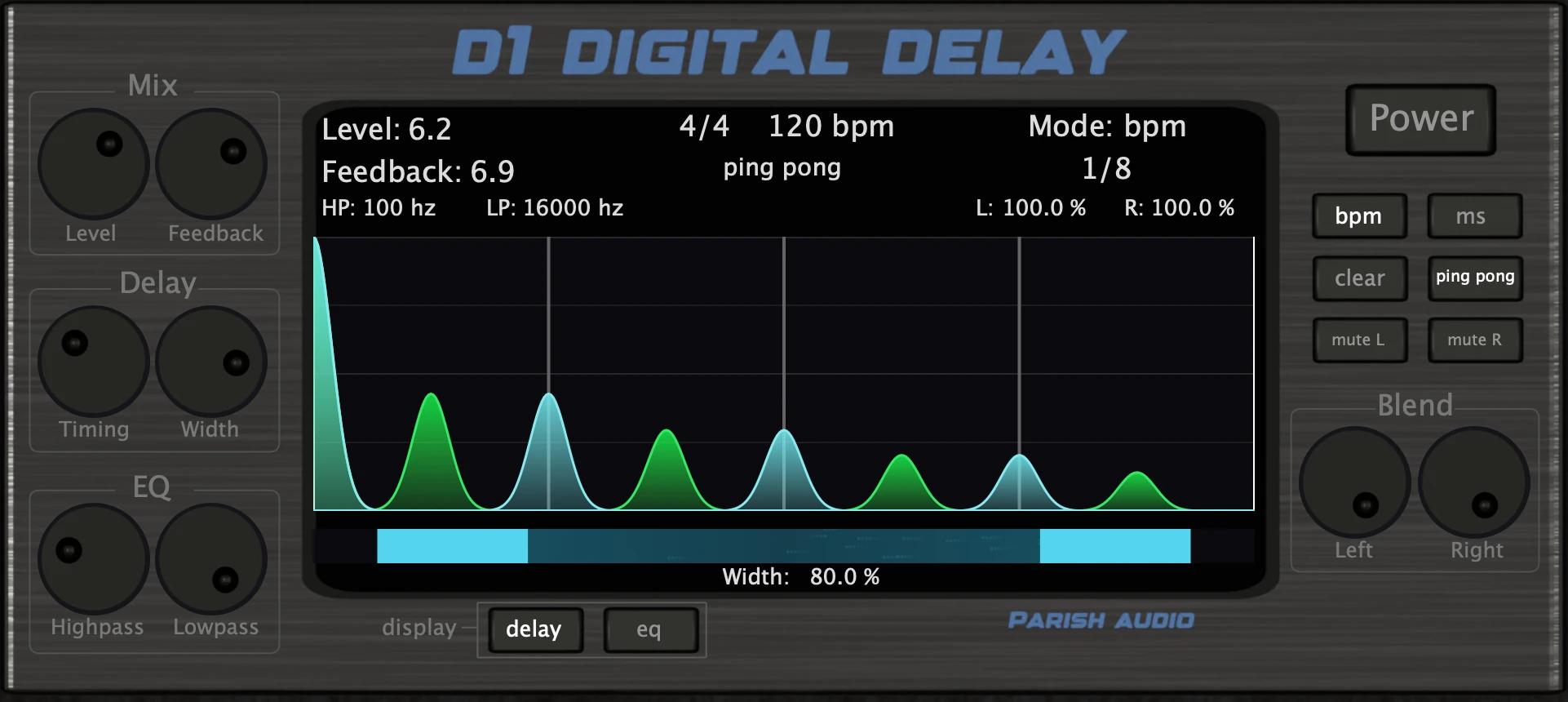
D1 Delay
5 (2)
A versatile delay plugin for everything from subtle echoes to wide, rhythmic stereo effects.
$49.95
$29.97
View
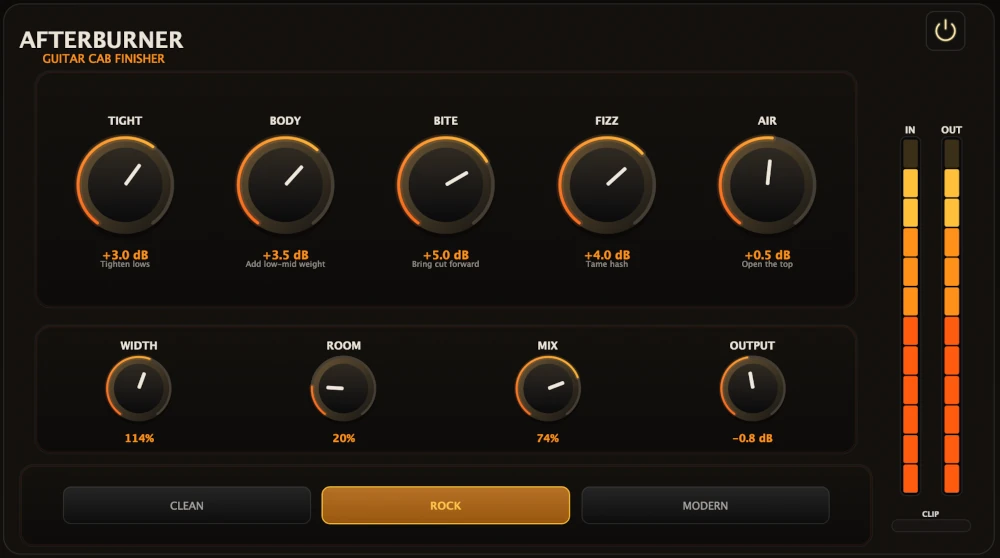
Afterburner Guitar Cab Finisher
5 (2)
Bring out more harmonic depth, sustain, punch, and presence from your favorite guitar tones.
$39.95
$23.97
View
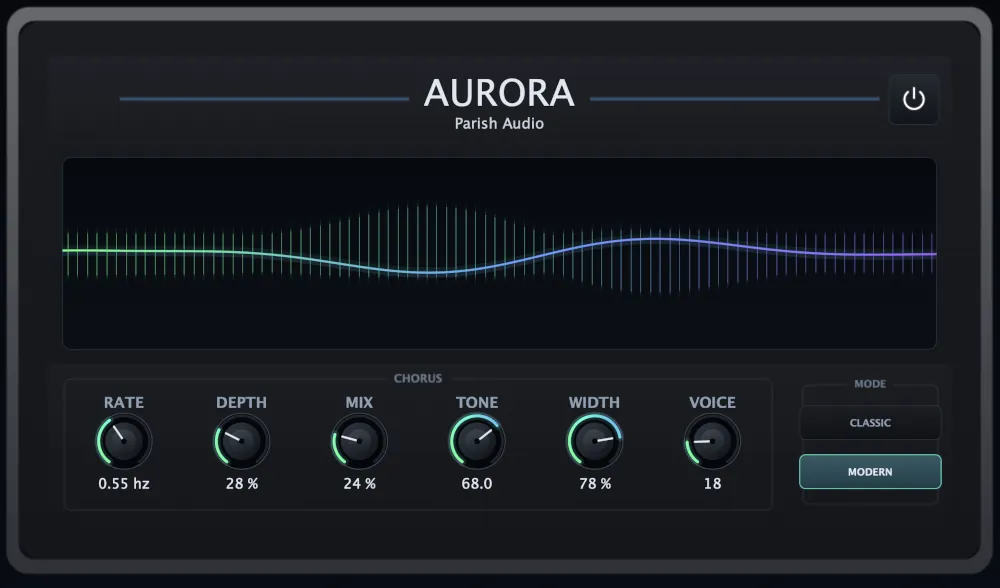
Aurora Chorus
5 (1)
A versatile chorus plugin for adding width, richness, and smooth, expressive movement.
$49.95
$29.97
View
Format: