

Download Information
Availability: In stock. This product is delivered as an instant digital download.
Download the plugin installer for your device here.
To obtain a license, purchase the plugin or start a subscription free trial (can be cancelled any time).
After installation, open the plugin in your DAW and sign in with your email address and password to unlock it.
Vocal Saturator
Bring more warmth, richness, and presence to your vocals with Vocal Saturator. Add subtle harmonic color, give your voice more body, or dial in a bolder, more upfront sound with this versatile vocal saturation plugin.
(0 reviews)
Purchase this plugin
$99.95
$39.95
One-time purchase. Add this plugin to your cart and own it permanently.
Subscription
Try it free for 7 days with an all access subscription.
$9.95 per month for access to all plugins. Cancel anytime.
Overview
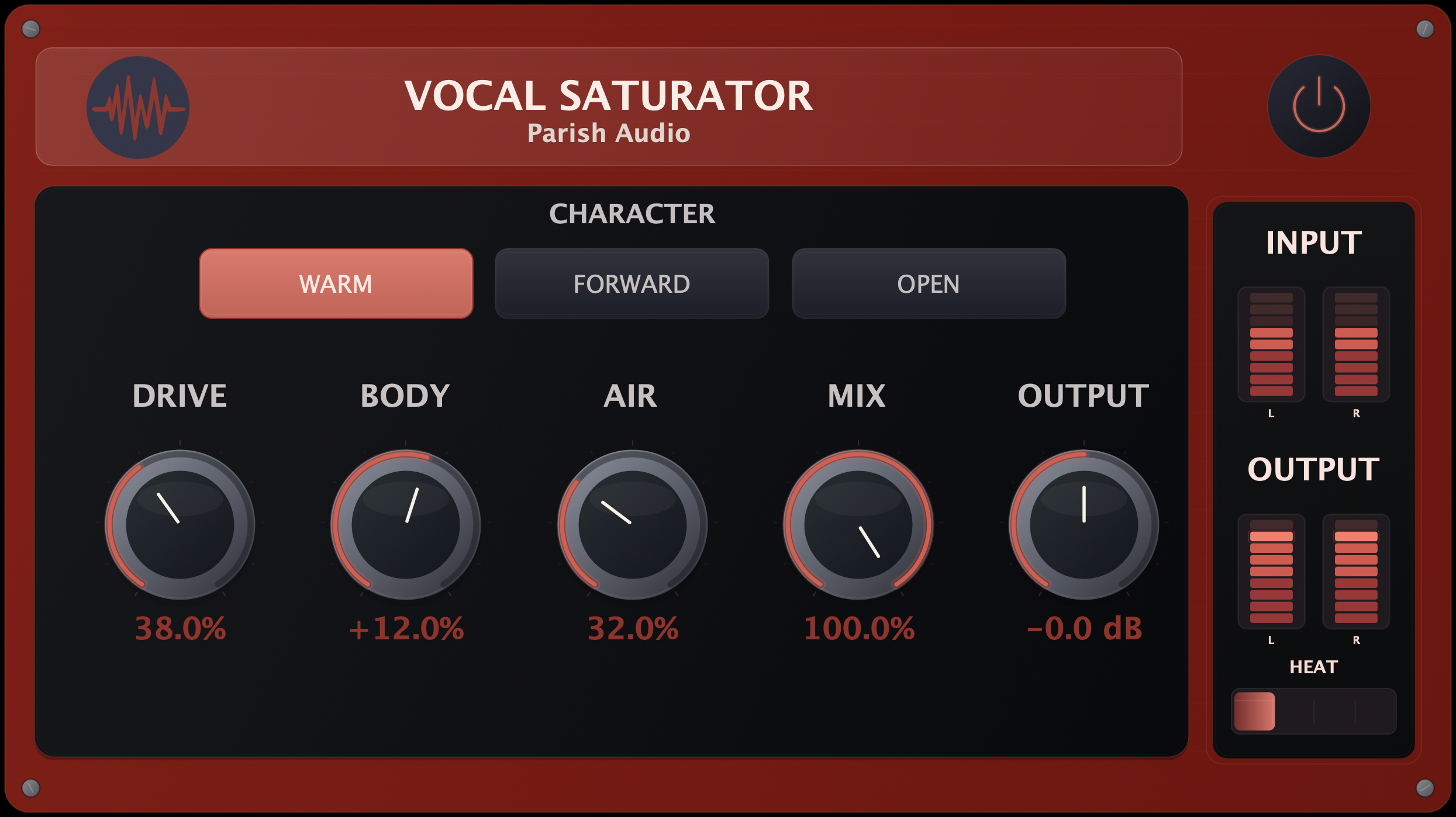
Sometimes a vocal sounds great, but you want to give it a little extra warmth, richness, or personality. Maybe you're looking for that smooth, full-bodied sound on a ballad, a little more edge on a rock vocal, or extra presence to help a lead stand out in a busy mix. Vocal Saturator gives you an easy way to bring out those qualities while keeping the natural character of the performance. At the heart of Vocal Saturator are three distinct character modes. Warm adds a thicker, smoother quality that's great for intimate vocals and richer tones. Forward brings out more presence and energy to help a vocal stand out, while Open offers a lighter, airier character with a little more brightness and clarity. Each mode gives you a different starting point, making it easy to find the character that works best for your track. From there, you can fine-tune the sound with just a few straightforward controls. Add harmonic richness and density with Drive, adjust the fullness of your vocal with Body, or bring out a little extra sparkle with Air. The Mix control lets you blend the effect with your original recording, so you can add just a hint of saturation or make it a more noticeable part of the sound. Vocal Saturator works beautifully on lead vocals, backing harmonies, spoken-word recordings, and just about any voice that could use some extra character. Use it for a subtle touch of warmth, a fuller and more present lead, or a saturated vocal effect with a little more attitude. Whether you're mixing a delicate acoustic performance or a powerful rock or pop vocal, Vocal Saturator gives you a simple, flexible way to shape the tone and bring out more of what makes the performance special. Available as a VST3 plugin for Windows and in VST3 and AU formats for macOS.
Highlights
Add harmonic warmth, richness, and presence to vocals while preserving their natural character.
Choose between Warm, Forward, and Open character modes for different vocal styles and sounds.
Give vocals more body, clarity, and harmonic texture with straightforward Drive, Body, and Air controls.
Blend subtle saturation or more aggressive vocal color with your original recording using the Mix control.
Available for Windows (VST3) and macOS (VST3 and AU).
Controls
Sets how much saturation and harmonic push you are adding. Turn it up when a vocal needs more density, more texture, or more attitude. Keep it lower when you just want a little extra life and color without making the effect obvious.
Shapes the weight and low-mid support of the vocal. Raise it when a voice feels too thin or lacks substance. Pull it back when the vocal already has enough weight and you want to keep things cleaner and more open.
Adds top-end openness and lift. This is the control to reach for when a vocal feels a little closed in, dark, or dull and needs more breath, shine, or clarity.
Blends the processed signal with the original vocal. Lower settings are great for subtle enhancement or parallel warmth. Higher settings let the saturation become more of the sound when you want a bolder result.
Sets the final level after processing. Use it to level-match and judge your settings by tone, presence, and feel instead of being fooled by loudness.
Chooses the overall saturation voice. Warm leans thicker, rounder, and more intimate. Forward is the more assertive option when the vocal needs to step out and speak more clearly. Open gives a lighter, more airy direction when you want lift and space without as much density.
Suggested Plugins
Explore a few more Parish Audio plugins that you might like.
Aurora Chorus
5 (1)
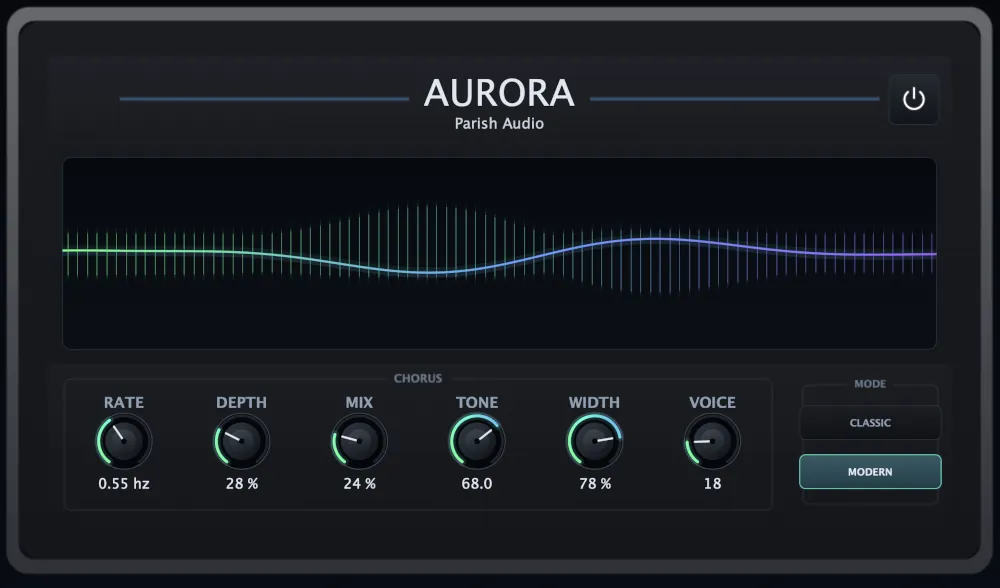
A versatile chorus plugin for adding width, richness, and smooth, expressive movement.
$99.95
$49.95
View
Multiplier
5 (1)
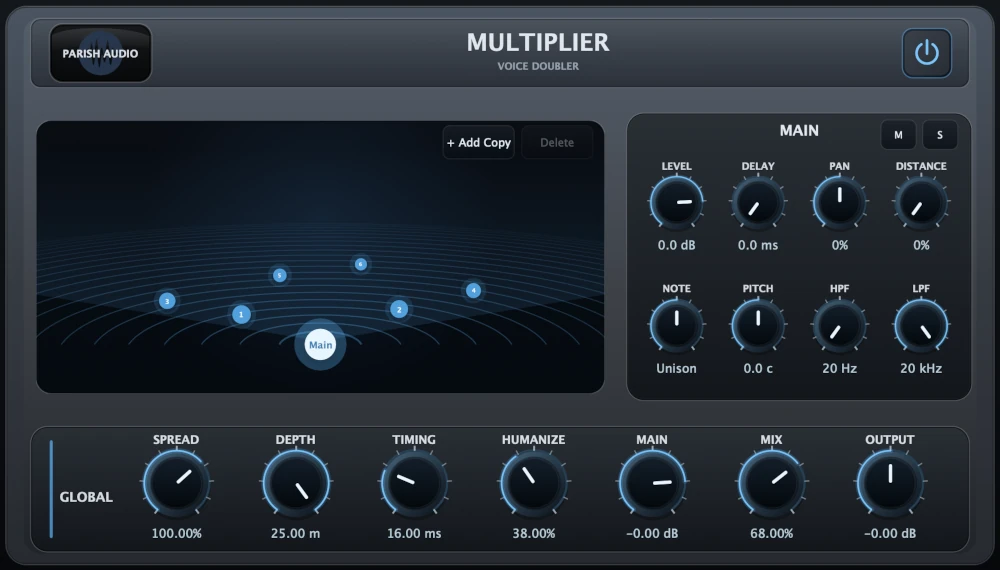
A versatile vocal doubler plugin that turns one recording into natural doubles, wide stereo layers, and rich vocal stacks.
$99.95
$69.95
View
Vocal Smoother
5 (1)
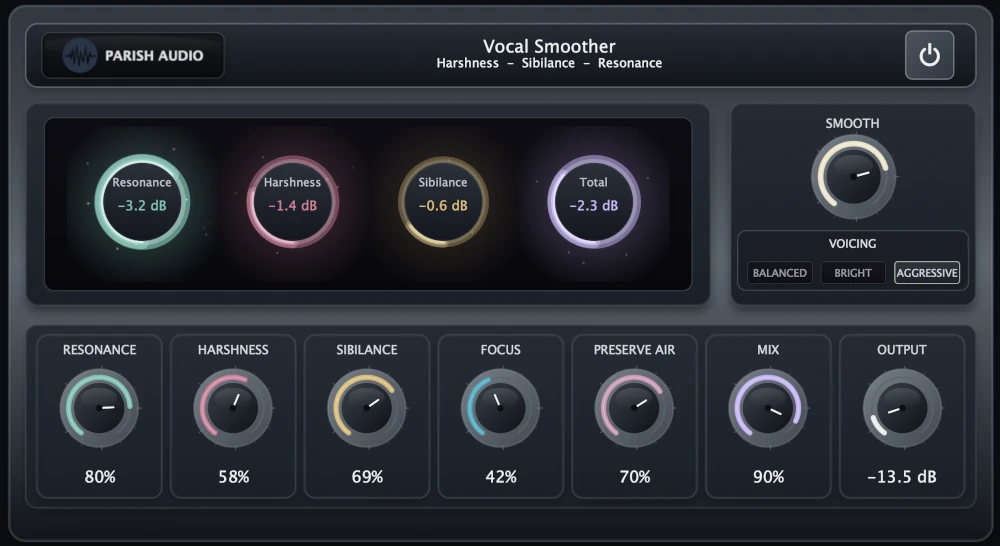
An adaptive vocal smoothing plugin that tames harshness, resonance, and sibilance while preserving clarity and presence.
$99.99
$69.95
View
Format: