

Download Information
Availability: In stock. This product is delivered as an instant digital download.
Download the plugin installer for your device here.
To obtain a license, purchase the plugin or start a subscription free trial (can be cancelled any time).
After installation, open the plugin in your DAW and sign in with your email address and password to unlock it.
Peakline Loudness Shaper
Give your tracks more punch, density, and impact with Peakline Loudness Shaper. This versatile clipper plugin lets you shape peaks, increase perceived loudness, and add energy to drums, bass, individual tracks, and full mixes while keeping control over your sound.
(0 reviews)
Purchase this plugin
$99.95
$49.95
One-time purchase. Add this plugin to your cart and own it permanently.
Subscription
Try it free for 7 days with an all access subscription.
$9.95 per month for access to all plugins. Cancel anytime.
Overview
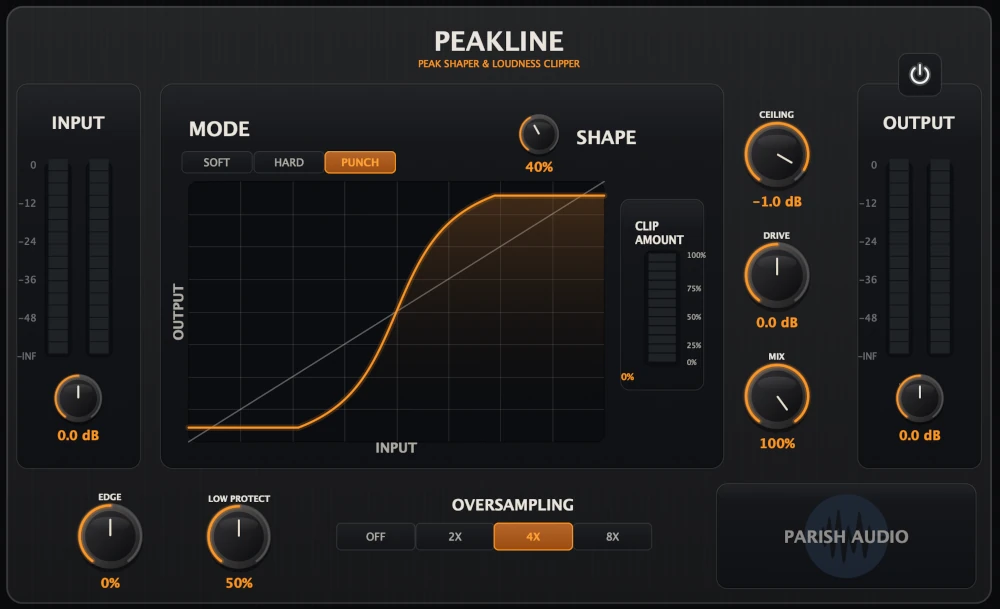
Want your drums to hit a little harder, your bass to feel more solid, or your mixes to have some extra loudness and energy? Peakline gives you a flexible way to shape peaks, add density, and bring out the impact in your music. Whether you're making subtle adjustments or pushing for a louder, more aggressive sound, you have the control to get exactly the character you're after. Unlike a traditional compressor, a clipper reshapes the peaks of your audio rather than adjusting the gain over time. This can be a great way to add punch and perceived loudness without relying on heavy compression. Peakline gives you three clipping styles to work with: Soft for smoother, more rounded shaping, Hard for firmer peak control, and Punch for a more aggressive, energetic response. Try a little on a snare or drum bus to add impact, or use it across a full mix to bring up the overall density. You can also fine-tune how the clipping affects different parts of your sound. The Edge control lets you add bite and definition or keep things smoother, while Low Protect helps maintain the weight of bass-heavy material as you push the clipping harder. Combined with adjustable Shape, Drive, Ceiling, and Mix controls, you can dial in anything from gentle peak shaping to more noticeable saturation and loudness. Peakline works well on individual drums, drum buses, bass, guitars, vocals, and even your master bus. Use it to tame sharp peaks, add some extra weight to a track, or give an entire mix a little more energy. The controls are straightforward enough to make quick adjustments, with plenty of flexibility when you want to experiment. Whether you're looking for a subtle finishing touch or a more aggressive clipping effect, Peakline makes it easy to shape your sound and get more impact where you want it. Available as a VST3 plugin for Windows and in VST3 and AU formats for macOS.
Highlights
Add punch, density, and perceived loudness to drums, bass, individual tracks, and full mixes.
Choose between Soft, Hard, and Punch clipping modes to get the character and response you want.
Shape attack and brightness with Edge while Low Protect helps preserve bass and low-end weight.
Go from subtle peak control to aggressive clipping with flexible Shape, Drive, Ceiling, and Mix controls.
Available for Windows (VST3) and macOS (VST3 and AU).
Controls
Input controls how hard the signal hits the processor. Use it to feed more or less level into the clipping stage before the shaping happens.
Shape controls the intensity of the clipping behavior. Turning it up pushes the selected mode harder and changes how assertively Peakline reshapes the signal.
Ceiling sets the peak limit for the processed signal. This is where you decide how tightly Peakline holds the top end once the signal has been driven.
Drive pushes the clipped signal into the ceiling stage. It is useful for adding more density and loudness after you have chosen the overall clipping character.
Output controls the final level coming out of the plugin, making it easier to level-match and place the processed result where it belongs.
Mix blends the processed signal with the dry signal. Keep it high for full clipping control, or back it down for parallel weight and impact.
Edge shapes upper bite and attack before clipping. Positive settings bring more cut and definition forward, while lower settings can keep things smoother and less aggressive.
Low Protect helps preserve low-end weight by pulling some lows back before clipping and restoring part of that weight afterward. It is especially useful on bass-heavy material, drums, and mix bus work where you want control without the low end falling apart.
Mode selects the clipping style. Soft is smoother and more rounded, Hard is more direct and firm, and Punch adds a more energetic, forward response that can help transients feel more aggressive.
Suggested Plugins
Explore a few more Parish Audio plugins that you might like.
D1 Delay
5 (2)
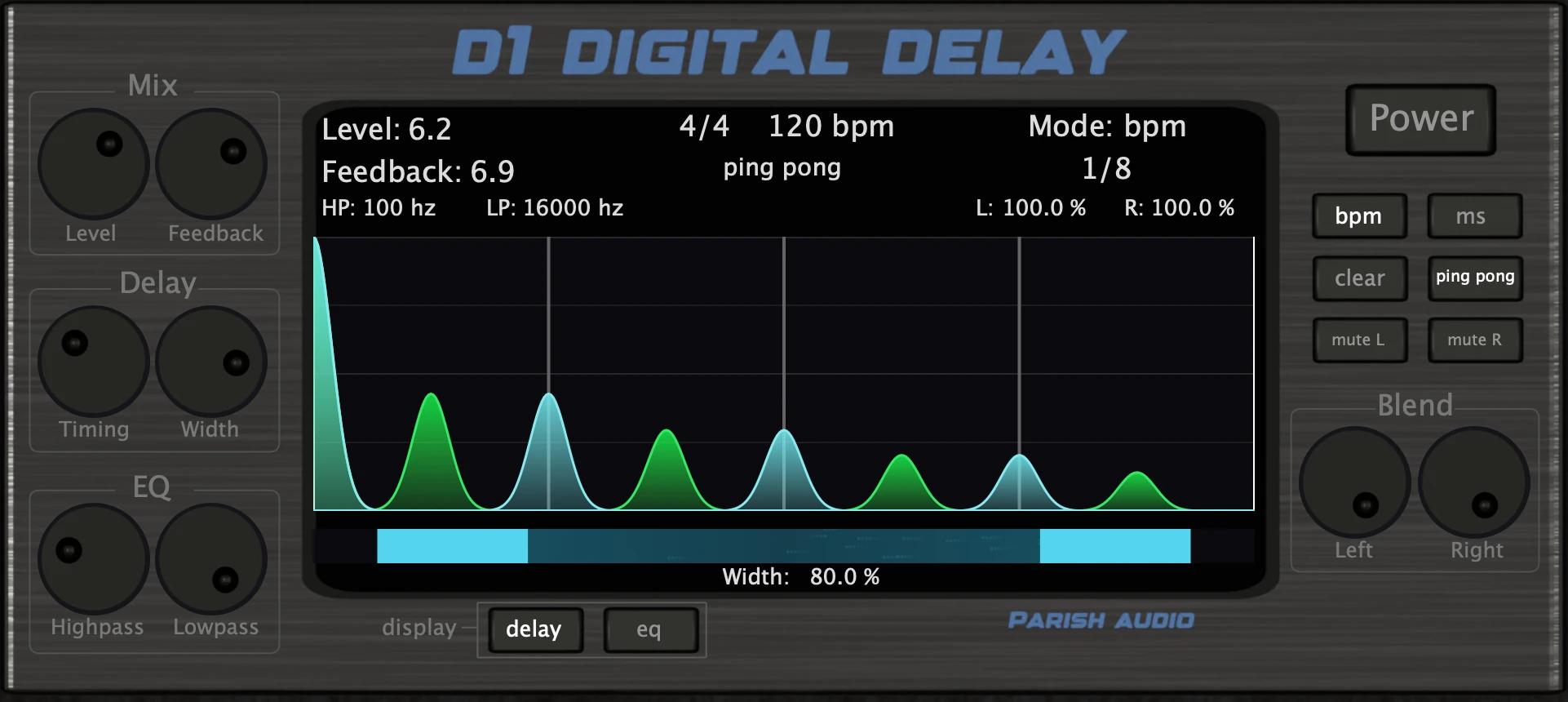
A versatile delay plugin for everything from subtle echoes to wide, rhythmic stereo effects.
$99.95
$49.95
View
Afterburner Guitar Cab Finisher
5 (2)
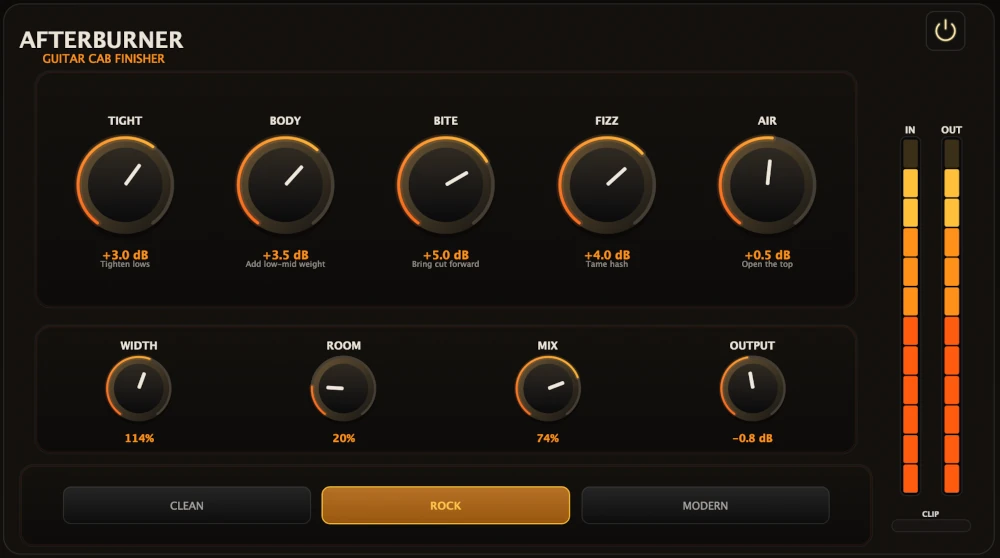
Bring out more harmonic depth, sustain, punch, and presence from your favorite guitar tones.
$99.95
$39.95
View
Aurora Chorus
5 (1)
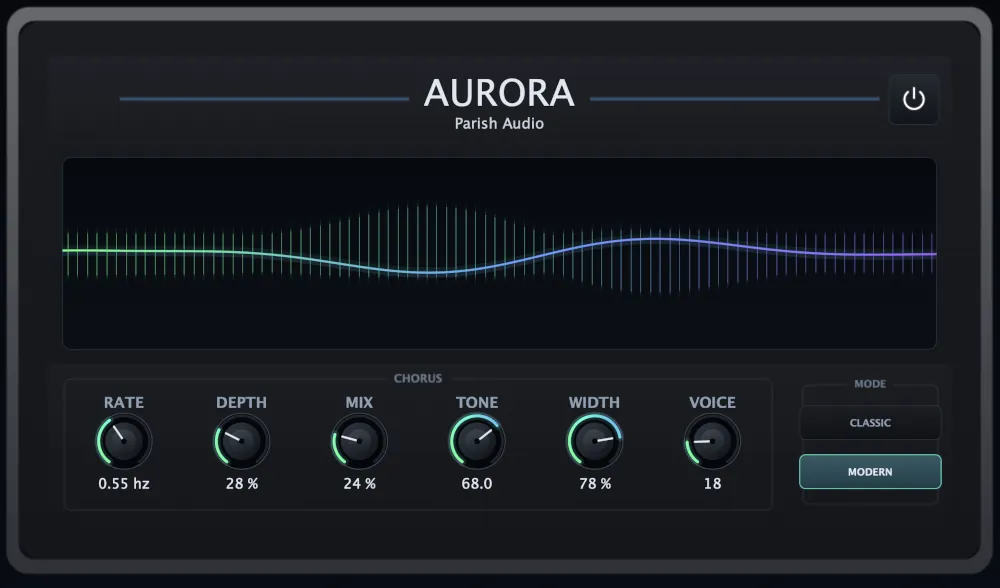
A versatile chorus plugin for adding width, richness, and smooth, expressive movement.
$99.95
$49.95
View
Format: