

Parish Audio
Fall Sale
40% OFF
All Plugins and Bundles
Through October 15
Discount applied automatically
Download Information
Availability: In stock. This product is delivered as an instant digital download.
Download the plugin installer for your device here.
To obtain a license, purchase the plugin or start a subscription free trial (can be cancelled any time).
After installation, open the plugin in your DAW and sign in with your email address and password to unlock it.
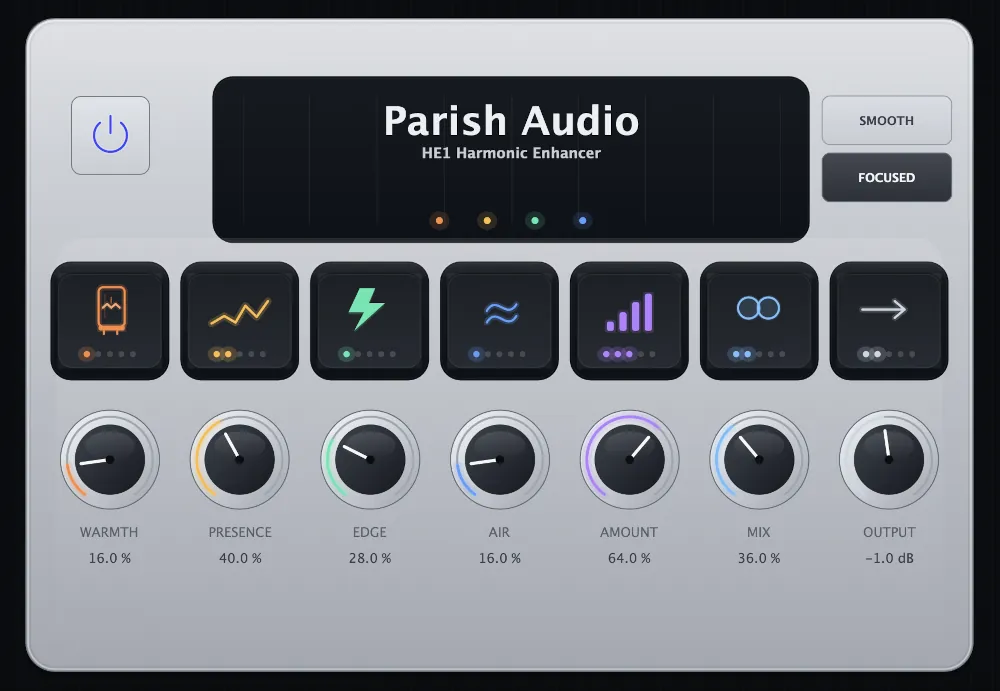
HE1 Harmonic Enhancer
HE1 Harmonic Enhancer adds warmth, definition, energy, and openness where your sound needs it most. Use it to bring a vocal forward, give instruments more character, add life to drums, or help a full mix feel richer and more finished.
(0 reviews)
Purchase this plugin
$49.95
$29.97
Sale price applied automatically at checkout.
One-time purchase. Add this plugin to your cart and own it permanently.
Subscription
Try it free for 7 days with an all access subscription.
$9.95 per month for access to all plugins. Cancel anytime.
Overview
Sometimes a track is balanced, but it still does not feel finished. The vocal needs a little more presence, the instruments could use greater definition, or the entire mix feels flatter and less engaging than you want it to. HE1 Harmonic Enhancer gives you a direct way to add the warmth, clarity, edge, and openness that help a sound connect. Rather than relying on a single broad enhancement control, it lets you shape four distinct parts of the sound and decide where the extra character should come from. Add Warmth when a source needs more body and richness. Bring up Presence to help important detail feel clearer and more immediate. Use Edge to emphasize attack, articulation, and energy, or add Air when the top end needs a greater sense of openness and polish. Each control is designed around a musical result, making it easy to listen for what the track needs instead of getting lost in technical settings. On vocals, HE1 can add body, intelligibility, and a polished top end that helps the performance sit confidently in the mix. On guitars, keys, and synths, it can reveal texture and definition without depending entirely on conventional EQ. Drums can gain more weight, attack, and excitement, while buses and full mixes can take on a richer, more cohesive sense of finish. The Smooth and Focused modes give you two different ways to shape the enhancement. Smooth is suited to subtle sweetening and a more rounded tonal character. Focused brings the effect forward with greater definition and intensity when the source needs to make a stronger impression. Amount controls the overall strength of the enhancement, while Mix lets you blend the processed character with the original signal. Keep both low for a quiet finishing touch, or push them further when you want the harmonic enhancement to become a more noticeable part of the sound. HE1 is built for the point in a mix where everything is in place, but something still feels missing. Whether that means a little more warmth, clearer articulation, stronger impact, or a more open top end, it gives you a fast and musical way to bring the track closer to the sound you have in mind.
Highlights
Brings out detail, presence, and richness in tracks, buses, and full mixes.
Helps vocals, guitars, drums, and instruments feel more focused and defined.
Adds energy and texture without pushing the sound into harshness.
Useful for subtle enhancement or stronger tonal shaping when a source needs more life.
Available for Windows as VST3 and macOS as VST3 and AU.
Controls
Enhances the low and low-mid character of the signal. Use it to add body, thickness, and smooth musical richness without making the sound feel muddy.
Brings forward important midrange detail and intelligibility. This helps vocals, guitars, and other key elements feel clearer, more defined, and easier to place in the mix.
Adds bite, attack, and upper-mid definition. Use it to help sounds cut through more confidently or to give dull material more energy and articulation.
Enhances the upper frequencies for a more open, polished, high-end character. This is useful for adding sheen, brightness, and an expensive sense of top-end detail.
Blends the processed signal with the original dry signal. Lower settings are great for subtle sweetening, while higher settings let the enhancement become more obvious and pronounced.
Controls the overall intensity of the harmonic enhancement. Turn it up to add more excitement, richness, and perceived detail, or keep it lower for a more subtle polish.
Controls the final output level after processing. Use it to level-match the plugin and balance the enhanced signal properly in your mix.
Chooses between two enhancement styles. Smooth: A more rounded and natural enhancement character that works well when you want polish, openness, and musical sweetness without pushing the sound too far forward. Focused: A more direct and present enhancement style designed to bring important details forward and add extra definition, bite, and cut.
Suggested Plugins
Explore a few more Parish Audio plugins that you might like.
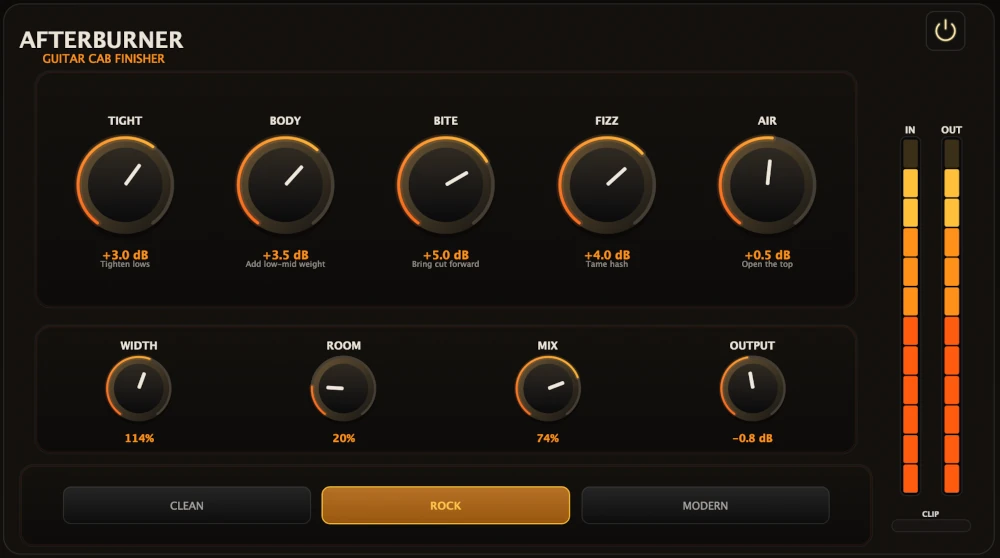
Afterburner Guitar Cab Finisher
5 (2)
Bring out more harmonic depth, sustain, punch, and presence from your favorite guitar tones.
$39.95
$23.97
View
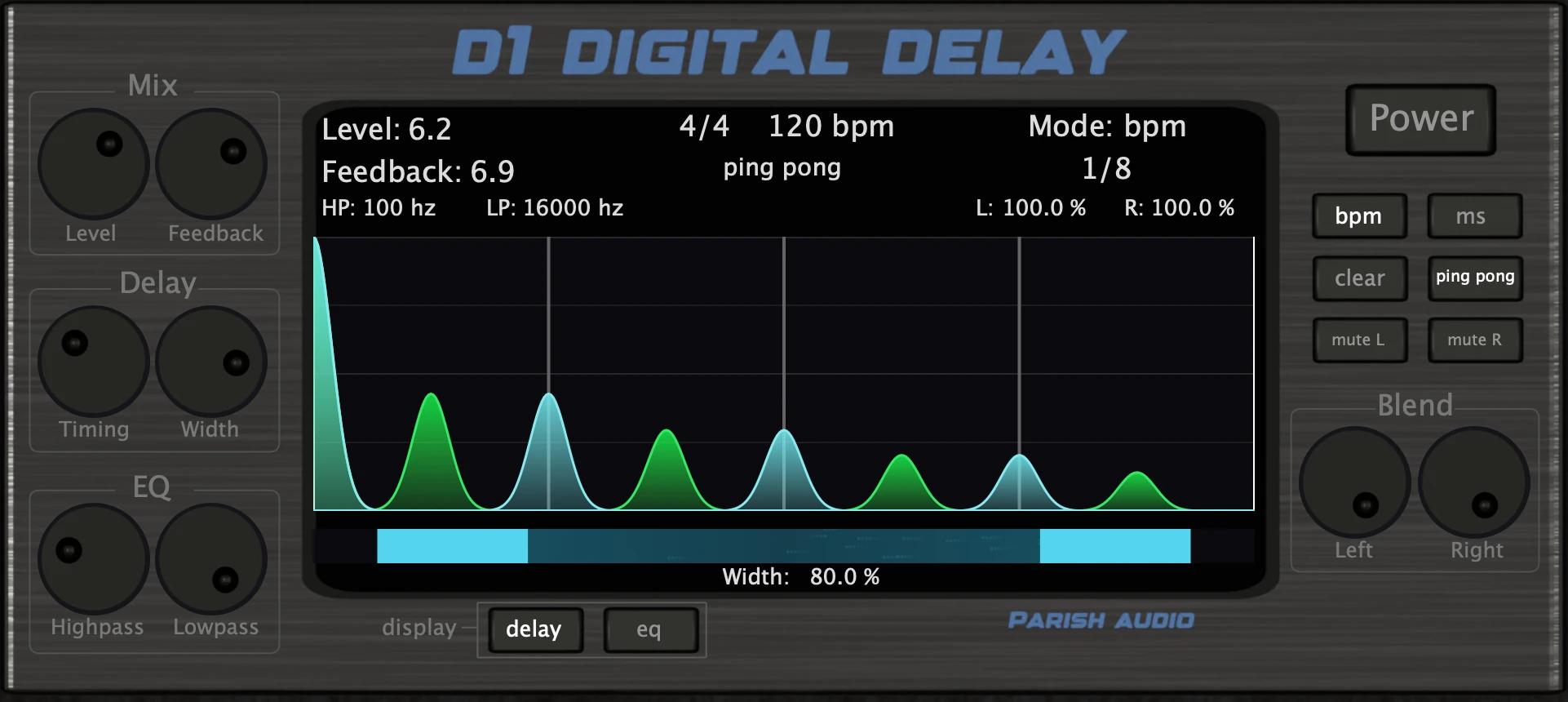
D1 Delay
5 (2)
A versatile delay plugin for everything from subtle echoes to wide, rhythmic stereo effects.
$49.95
$29.97
View
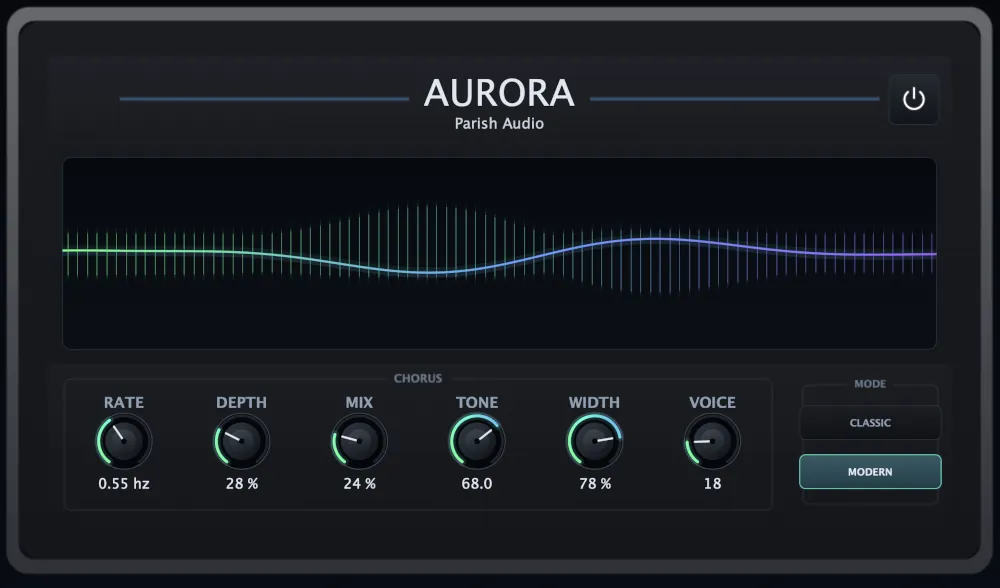
Aurora Chorus
5 (1)
A versatile chorus plugin for adding width, richness, and smooth, expressive movement.
$49.95
$29.97
View
Format: