

Gain Knob
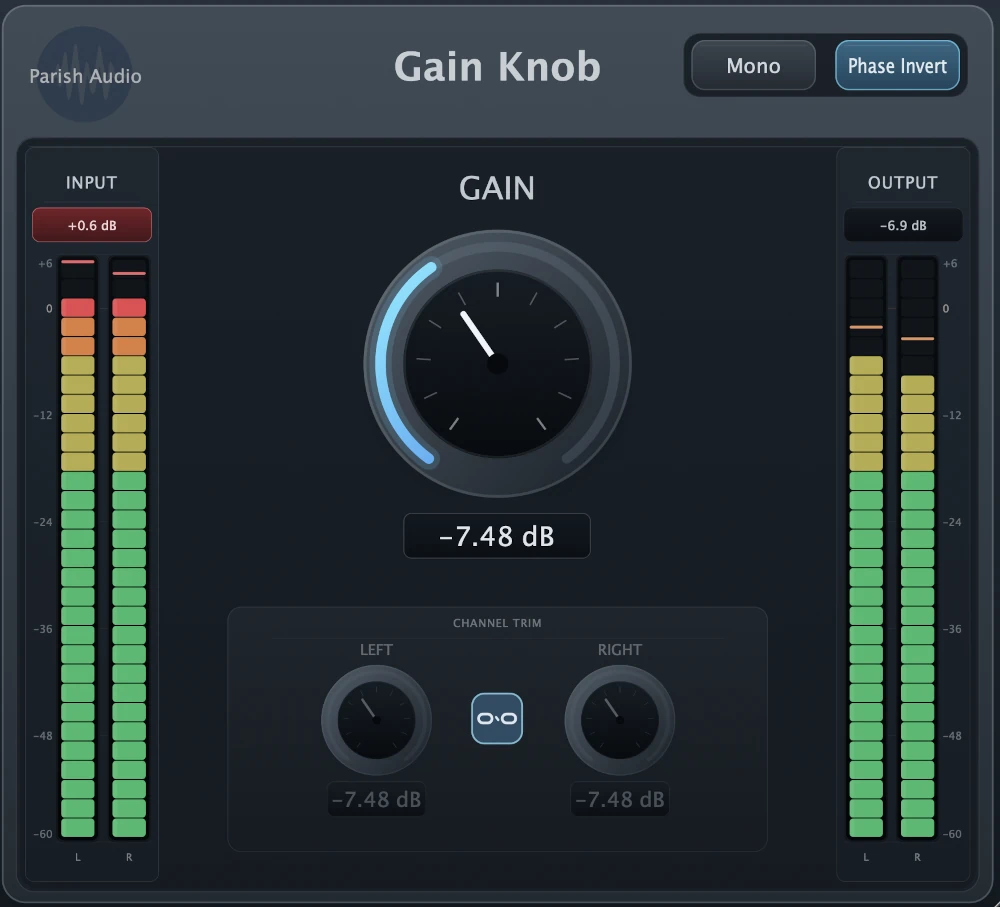
Sometimes you just need a little more control over your signal. Gain Knob is a straightforward audio utility plugin that makes it easy to adjust volume, balance stereo channels, check your mix in mono, and invert polarity. Everything you need for everyday gain staging, right where you need it.
5
(1 review)
FREE
Download this VST3 plugin for Mac or Windows.
Overview
Not every plugin needs to transform your sound. Sometimes you just need to turn something up, bring it down a little, or make a quick adjustment without changing the character of your audio. Gain Knob gives you those essential controls in one simple, easy-to-use plugin that fits just about anywhere in your signal chain. Need to bring up the level going into a compressor? Want to turn down the output of an effect without changing its settings? Or maybe you're trying to match levels so you can compare two different processing chains fairly. Just drop Gain Knob into your session and make the adjustment. The large Gain control makes it easy to dial in the level you need, while the input and output meters let you see exactly what's happening to your signal. Gain Knob also gives you more control over stereo recordings. Use the independent Left and Right channel trims to balance a recording that's a little louder on one side, or link them together when you want to adjust both channels at once. It's especially handy for stereo microphones, keyboards, drum overheads, and other sources where a little channel balancing can make a difference. There are a couple of other useful tools built in, too. The Mono switch lets you quickly check how your mix sounds when the left and right channels are combined. It's a great way to catch stereo compatibility issues that might otherwise go unnoticed. And if you're working with multiple microphones or layered recordings, the Phase Invert switch lets you reverse signal polarity to see whether the sounds work better together. Whether you're gain staging a mix, balancing stereo tracks, comparing effects, or troubleshooting a recording, Gain Knob gives you a quick way to make those everyday adjustments without interrupting your workflow. It's a simple VST utility plugin that does exactly what you need, without adding unnecessary processing or coloration. Available in VST3 format for Windows and VST3 and AU formats for macOS.
Highlights
Adjust signal levels anywhere in your plugin chain with clean, transparent gain control.
Balance stereo recordings with independent Left and Right channel trims, or link them for quick adjustments.
Check your tracks and mixes in mono to catch stereo compatibility and cancellation issues.
Invert signal polarity when working with multiple microphones, layered tracks, or parallel processing, with input and output meters to keep an eye on your levels.
Available for Windows (VST3) and macOS (VST3 and AU).
Controls
Adjusts the overall volume of your signal without adding coloration. Turn it up when you need more level going into another plugin, or bring it down to keep things under control. Great for gain staging, matching levels between effects, and making quick volume adjustments anywhere in your signal chain.
Adjusts the volume of the left stereo channel. Use it to fine-tune the balance of a stereo recording or correct differences between the left and right sides. When Channel Link is enabled, both channel trims move together.
Adjusts the volume of the right stereo channel. Use it alongside the Left Channel Trim to balance stereo microphones, keyboards, drum overheads, and other stereo recordings. Unlink the channels when you need to adjust each side independently.
Links the Left and Right channel trims so they adjust together. Leave it enabled for normal stereo level changes, or turn it off when you want independent control over each channel. It's an easy way to switch between adjusting overall stereo level and correcting left-to-right imbalances.
Combines the left and right channels into a mono signal. Use it to check how your tracks or mixes translate to mono playback and listen for sounds that become quieter or disappear when the channels are combined. Especially useful when working with wide stereo effects, layered instruments, and multi-microphone recordings.
Reverses the polarity of your audio signal. This can be helpful when combining multiple microphones, layered recordings, or parallel processing paths that may be partially canceling each other out. Try switching the polarity while listening to the combined tracks to see which setting gives you the sound you're after.
Suggested Plugins
Explore a few more Parish Audio plugins that you might like.
D1 Delay
5 (2)
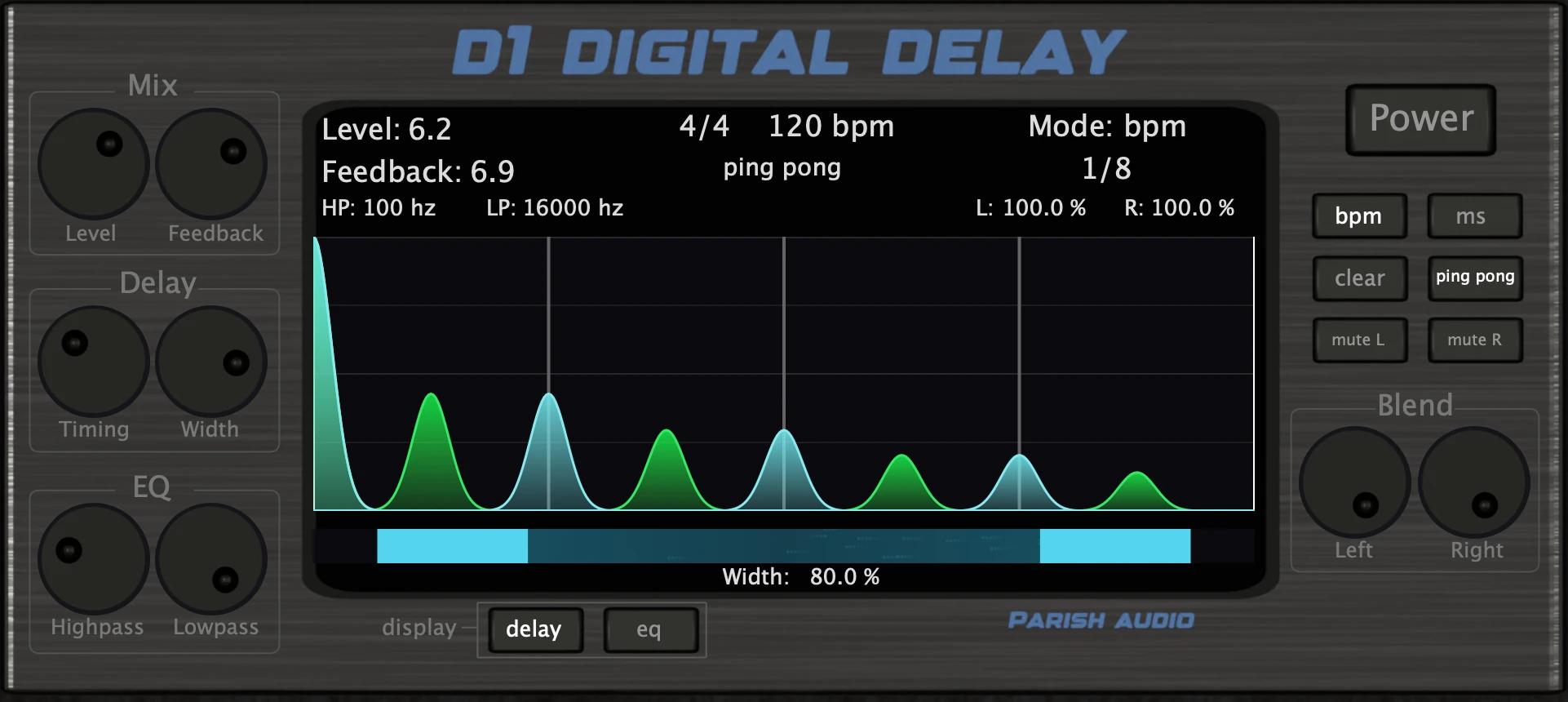
A versatile delay plugin for everything from subtle echoes to wide, rhythmic stereo effects.
$99.95
$49.95
View
Afterburner Guitar Cab Finisher
5 (2)
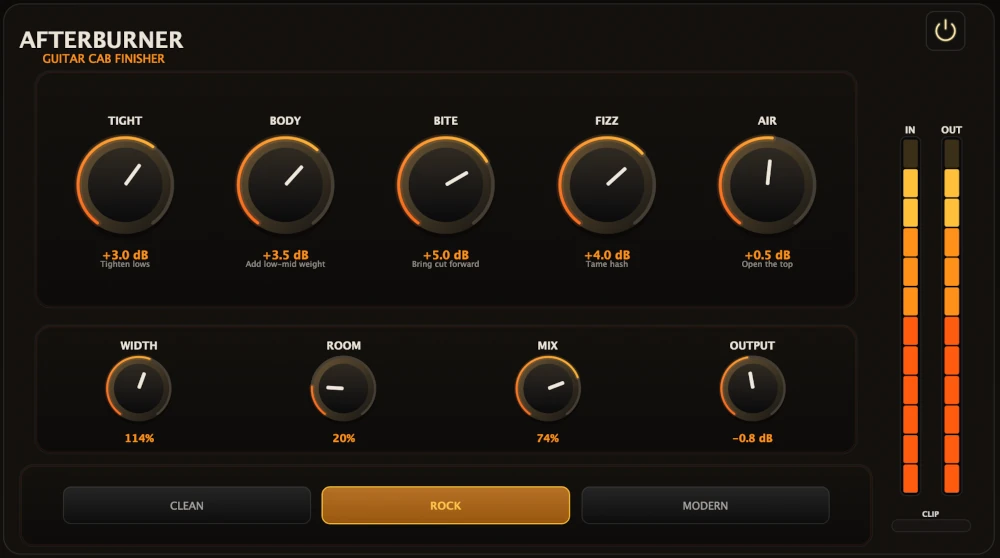
Bring out more harmonic depth, sustain, punch, and presence from your favorite guitar tones.
$99.95
$39.95
View
Aurora Chorus
5 (1)
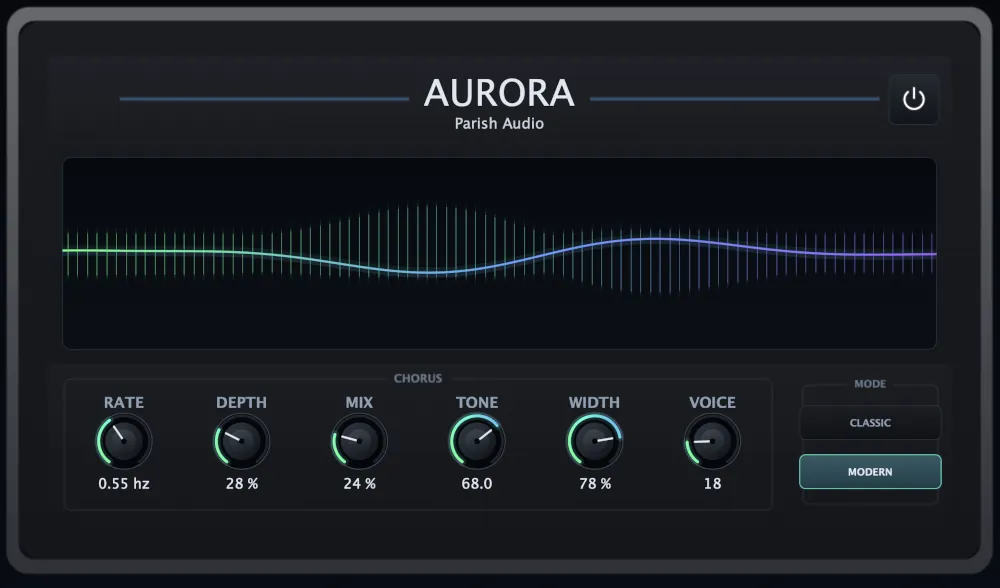
A versatile chorus plugin for adding width, richness, and smooth, expressive movement.
$99.95
$49.95
View
Format: