

Parish Audio
Fall Sale
40% OFF
All Plugins and Bundles
Through October 15
Discount applied automatically
Download Information
Availability: In stock. This product is delivered as an instant digital download.
Download the plugin installer for your device here.
To obtain a license, purchase the plugin or start a subscription free trial (can be cancelled any time).
After installation, open the plugin in your DAW and sign in with your email address and password to unlock it.
C11 Compressor
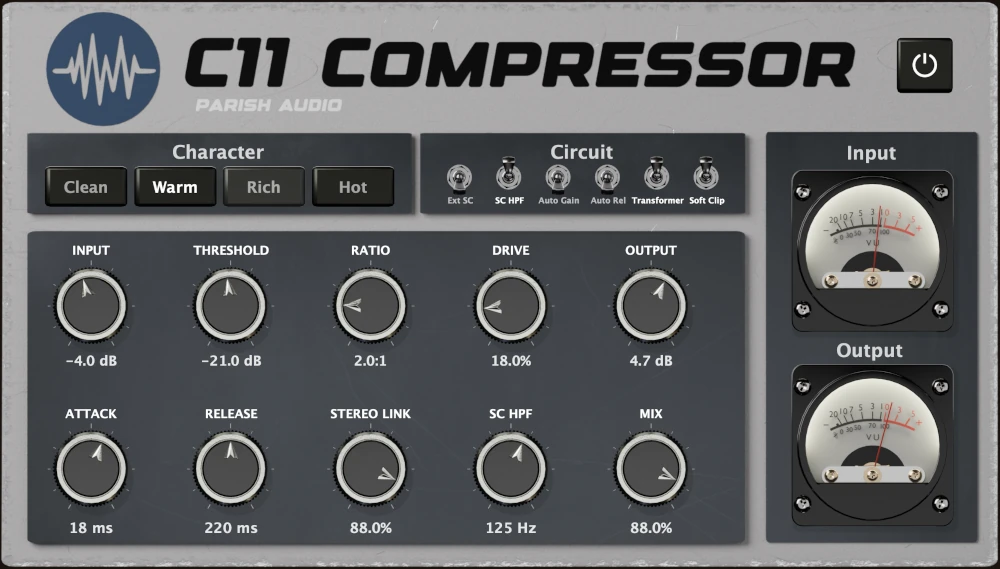
Get smooth, musical compression with plenty of warmth and character. C11 Compressor combines flexible dynamics control with tube-inspired saturation, transformer coloration, and four distinct character modes to bring out the best in your vocals, drums, bass, guitars, and mixes.
(0 reviews)
Purchase this plugin
$69.95
$41.97
Sale price applied automatically at checkout.
One-time purchase. Add this plugin to your cart and own it permanently.
Subscription
Try it free for 7 days with an all access subscription.
$9.95 per month for access to all plugins. Cancel anytime.
Overview
A good compressor does more than control volume. It can bring out the punch in your drums, add warmth and sustain to a bass, help a vocal sit naturally in the mix, or give an entire track a little extra weight and character. C11 Compressor gives you the tools to shape your dynamics while adding the richness and musical response of classic analog-inspired processing. Whether you're looking for gentle, transparent compression or something with a little more personality, C11 has you covered. Choose between four character modes: Clean for a more transparent sound, Warm for subtle harmonic color, Rich for added thickness and depth, or Hot when you want more saturation and attitude. You can also adjust the Drive to bring out even more harmonic richness, giving you plenty of ways to shape the sound beyond compression alone. The compressor itself gives you familiar controls for Threshold, Ratio, Attack, and Release, making it easy to dial in the response you want. Smooth out a vocal performance, add punch to a drum bus, give bass notes more consistency, or gently bring a mix together. The built-in Mix control also makes parallel compression easy, letting you blend the processed sound with the original to add density while keeping more of the natural dynamics. When you want to take things further, C11 includes plenty of additional options. Add transformer-style warmth and weight, use Soft Clip to control peaks, or enable Auto Release for a more adaptive response. The sidechain high-pass filter helps prevent heavy bass frequencies from triggering too much compression, while external sidechain support opens up creative possibilities like ducking bass around a kick drum. Adjustable Stereo Link and Auto Gain give you even more control over how the compressor behaves. From subtle vocal leveling to punchy drums, thick bass, and warm mix bus compression, C11 is a versatile compressor plugin that can be as clean or colorful as you need. Whether you're after smooth dynamics control or a more driven, analog-inspired sound, C11 makes it easy to find the right balance of control, punch, and character. Available as a VST3 compressor plugin for Windows and in VST3 and AU formats for macOS.
Highlights
Get smooth, musical compression with the flexibility to shape vocals, drums, bass, guitars, and full mixes.
Choose between Clean, Warm, Rich, and Hot character modes for everything from transparent compression to rich, tube-inspired saturation.
Add harmonic warmth, weight, and density with adjustable Drive, transformer coloration, and soft clipping.
Fine-tune your compression with parallel blending, external sidechain support, sidechain filtering, Auto Release, and Stereo Link controls.
Available for Windows (VST3) and macOS (VST3 and AU).
Controls
Sets the level going into the compressor. Increase it to drive the compression and tube stage harder, or pull it back for cleaner, more controlled processing.
Sets the level where compression begins. Lower settings create more gain reduction, while higher settings let more of the signal pass through naturally.
Adds top-end openness and lift. This is the control to reach for when a vocal feels a little closed in, dark, or dull and needs more breath, shine, or clarity.
Controls how strongly the compressor reacts once the signal crosses the threshold. Lower ratios are smoother and more natural, while higher ratios create tighter, more obvious control.
Controls how quickly the compressor responds to incoming peaks. Faster settings clamp down more aggressively, while slower settings let more transient punch through.
Sets how quickly the compressor recovers after gain reduction. Shorter settings feel more energetic, while longer settings create smoother leveling.
Adds saturation and harmonic density. Lower settings keep the tone cleaner, while higher settings add more thickness, color, and character.
Selects the overall character of the tube stage. Clean keeps the tone more controlled, Warm adds gentle color, Rich adds more harmonic weight, and Hot pushes the sound into a thicker, more saturated response.
Blends the processed signal with the dry signal. Use it at 100% for full compression, or back it down for parallel-style control that keeps more of the original dynamics.
Sets the final output level after compression, saturation, and clipping. Use it to match levels or drive the next stage in your chain.
Controls the SC high-pass filter frequency. Raising it helps prevent low-end energy from triggering too much compression.
Controls how closely the left and right channels are linked for compression detection. Higher settings keep stereo movement more stable, while lower settings allow each side to react more independently.
Adds automatic makeup gain based on the amount of compression, helping you compare settings more easily without large level drops.
Adjusts the release behavior based on the amount of gain reduction, helping the compressor recover more naturally during changing material.
Adds transformer-style density and subtle saturation after compression for extra weight, thickness, and analog-inspired color.
Engages a soft clipping stage at the output to help catch peaks and add a little extra control when the signal is being pushed.
Selects whether the sidechain or input signal triggers the comopressor
Suggested Plugins
Explore a few more Parish Audio plugins that you might like.
D1 Delay
5 (2)
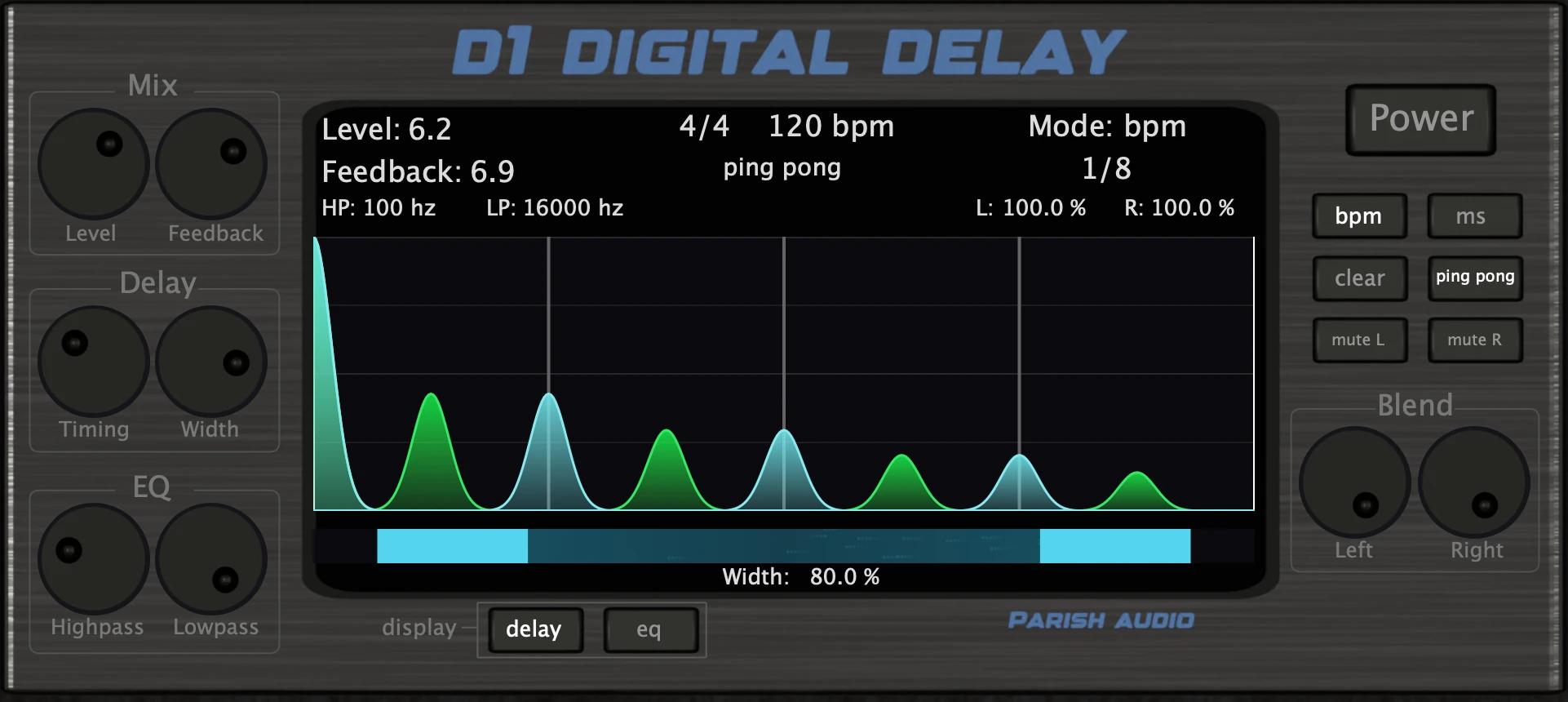
A versatile delay plugin for everything from subtle echoes to wide, rhythmic stereo effects.
$49.95
$29.97
View
Afterburner Guitar Cab Finisher
5 (2)
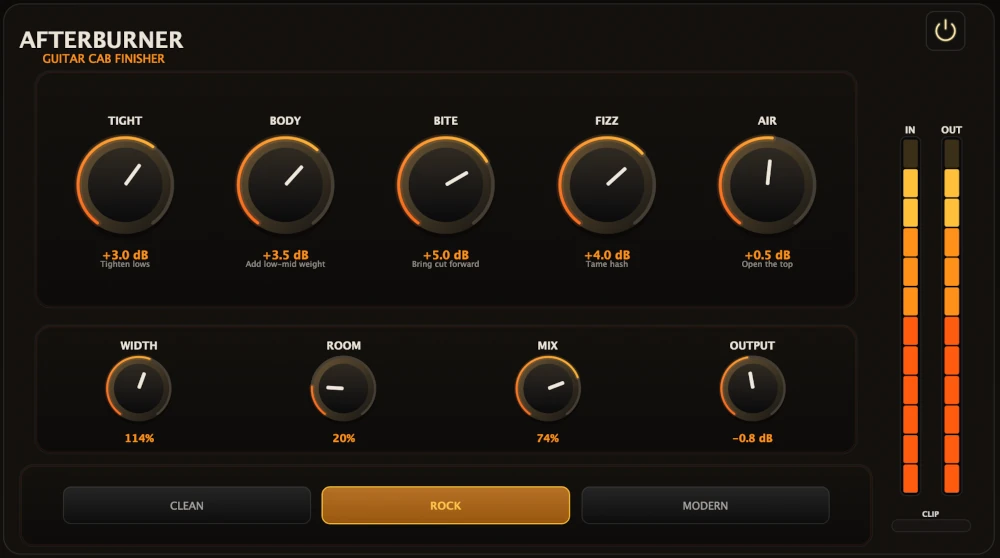
Bring out more harmonic depth, sustain, punch, and presence from your favorite guitar tones.
$39.95
$23.97
View
Aurora Chorus
5 (1)
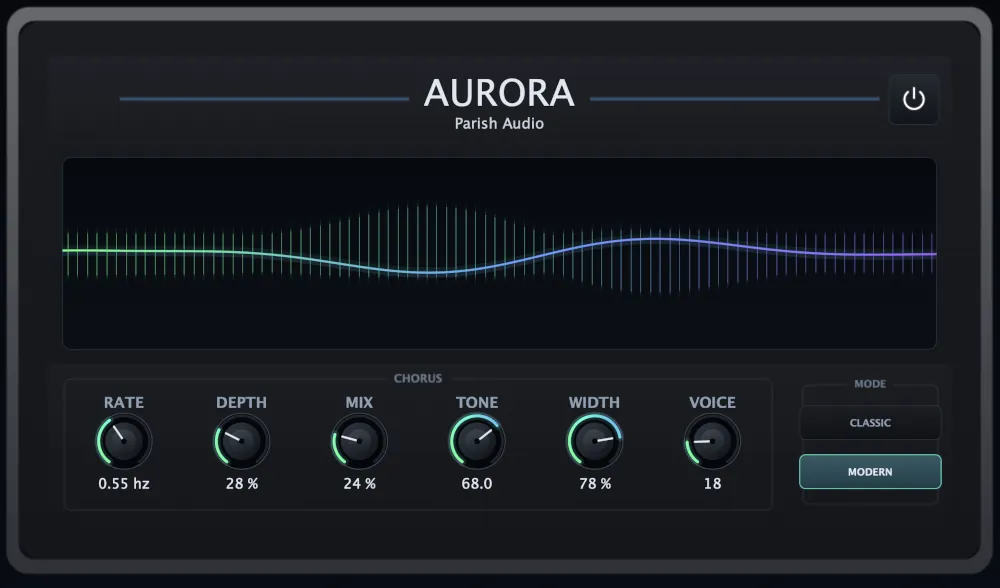
A versatile chorus plugin for adding width, richness, and smooth, expressive movement.
$49.95
$29.97
View
Format: