

Parish Audio
Fall Sale
40% OFF
All Plugins and Bundles
Through October 15
Discount applied automatically
Download Information
Availability: In stock. This product is delivered as an instant digital download.
Download the plugin installer for your device here.
To obtain a license, purchase the plugin or start a subscription free trial (can be cancelled any time).
After installation, open the plugin in your DAW and sign in with your email address and password to unlock it.
Product Demo
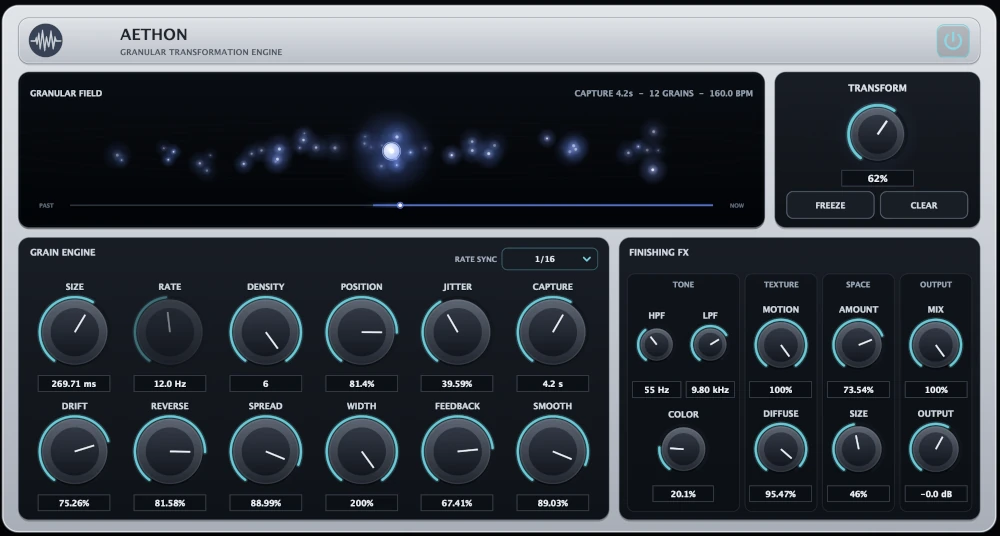
Aethon Granular Transformation Engine
Turn ordinary sounds into something extraordinary with Aethon Granular Transformation Engine. Create dreamy atmospheres, rhythmic pulses, shimmering textures, and glitchy, fragmented effects from your own audio. This versatile granular effects plugin gives you endless ways to reshape guitars, vocals, synths, and more.
(0 reviews)
Purchase this plugin
$69.95
$41.97
Sale price applied automatically at checkout.
One-time purchase. Add this plugin to your cart and own it permanently.
Subscription
Try it free for 7 days with an all access subscription.
$9.95 per month for access to all plugins. Cancel anytime.
Overview
Ever wonder what would happen if you could take a simple sound, break it into tiny pieces, and rearrange those pieces into something completely different? That's the idea behind Aethon. This creative granular effects plugin takes your audio and transforms it into everything from gentle, flowing textures to rhythmic patterns, shimmering soundscapes, and wildly unpredictable effects. At its heart, Aethon uses granular processing to capture small fragments of your audio, called grains, and play them back in different ways. Turn a simple synth chord into a lush, evolving atmosphere, scatter a vocal into glitchy rhythmic fragments, or transform a guitar into a wide, drifting texture. You can keep things subtle and add just a little movement, or push the processing further until the original sound becomes something entirely new. You have plenty of ways to shape what happens to those grains. Adjust their Size, Rate, and Density to create anything from sparse, scattered fragments to thick, continuous layers. Use Jitter and Drift to introduce movement and variation, reverse portions of the audio, or synchronize the grain timing to your project's tempo for rhythmic, pulsing effects. The central Transform control makes it easy to explore more dramatic processing without having to adjust everything individually. One of Aethon's most interesting features is its ability to work with captured audio. Use Position to explore different moments from the recent signal, or hit Freeze to hold a moment in time and keep transforming it. A sustained note can become a slowly evolving atmosphere, while a short musical phrase can turn into an entirely new rhythmic or ambient texture. There's also a full set of finishing effects to take your sounds even further. Shape the tone with high-pass and low-pass filters, add harmonic character with Color, introduce extra movement, or use Diffuse and Space to turn scattered grains into smoother, more atmospheric soundscapes. Whether you want a tight, rhythmic effect or a huge, floating wash of sound, you can shape the result to fit your music. Aethon is a great tool for electronic music, ambient production, cinematic sound design, experimental effects, or simply finding new inspiration in sounds you've already recorded. Use it on synths, guitars, vocals, drums, or just about any audio you want to explore in a different way. From subtle motion and spacious textures to stuttering rhythms and complete sonic transformation, Aethon gives you a whole new way to work with sound. Available as a VST3 granular effects plugin for Windows and in VST3 and AU formats for macOS.
Highlights
Transform guitars, vocals, synths, drums, and other audio into evolving textures, rhythmic patterns, atmospheric soundscapes, and glitchy effects.
Shape individual grains with flexible Size, Rate, Density, Position, Jitter, Drift, and Reverse controls.
Create tempo-synced rhythmic effects, freeze captured audio, and explore endless variations of a single sound.
Take your textures further with stereo shaping, harmonic Color, Motion, Diffuse, Space, and a central Transform control.
Available for Windows (VST3) and macOS (VST3 and AU).
Controls
Controls the overall intensity of Aethon's granular transformation. Keep it low for subtle movement and enhancement that preserves more of your original sound, or turn it up to explore more dramatic textures, fragmentation, and sound-shaping effects.
Sets the length of the individual audio grains. Shorter grains create tighter, more fragmented and rhythmic textures, while longer grains produce smoother, more sustained sounds. Experiment with different sizes to move between glitchy effects and flowing atmospheres.
Controls how frequently Aethon generates new grains when Rate Sync is set to Free. Lower settings create more spaced-out granular activity, while higher settings produce faster, more continuous movement. Use it alongside Size and Density to shape the rhythm and texture of your sound.
Choose whether Aethon's grain timing runs freely or follows your DAW's tempo. Use Free mode for independent movement and evolving textures, or select a synchronized musical division to create rhythmic pulses and repeating effects that stay in time with your track.
Adjusts how many grains are used to build the processed sound. Keep it low for sparse, individual fragments, or increase it to create thicker layers and more continuous granular textures. Higher settings are great for turning simple sounds into rich, atmospheric clouds.
Controls where Aethon reads from its recently captured audio. Move it toward newer material to work with sounds that just came in, or explore earlier parts of the capture to revisit previous moments. Great for discovering new textures hidden inside a recording.
Adds randomness to where individual grains are taken from within the captured audio. Keep it low for more focused, consistent playback, or increase it to scatter grains across different moments in the recording. Great for glitchy, unpredictable textures and constantly changing effects.
Introduces gradual movement through the captured audio over time. Instead of staying fixed on one position, Aethon slowly explores different parts of the recording. Use it to create evolving atmospheres and textures that keep changing without needing constant adjustments.
Controls how much of the granular playback happens backward. Keep it low to introduce occasional reversed fragments, or turn it up for more noticeable reversed textures and abstract effects. Great for creating dreamy, unusual movement from otherwise familiar sounds.
Controls how closely the individual grains stay grouped together. Lower settings keep their positions and behavior more closely related, while higher settings create greater variation and separation. Use it to move from tightly organized textures to more scattered, evolving grain patterns.
Adjusts the stereo width of the granular effect. Keep it low for a narrow, focused sound, or turn it up to spread the grains across a wider stereo image. Great for creating immersive atmospheres and spacious textures that surround the original sound.
Feeds part of Aethon's processed signal back into the capture system, allowing sounds to repeat and transform further over time. Keep it low for more controlled effects, or increase it to build evolving layers and textures that continue developing as they're processed.
Controls how smoothly individual grains transition into one another. Lower settings preserve more of the sharp edges and rhythmic detail between grains, while higher settings soften those transitions for smoother, more blended textures. Great for turning choppy fragments into flowing, atmospheric sounds.
Sets how much recent audio Aethon keeps available for granular processing. Shorter settings focus on a smaller window of sound, while longer settings give Position, Jitter, and Drift more material to explore. Increase it when you want to work with longer phrases and more varied textures.
Holds the audio currently stored in Aethon's capture buffer, preventing new incoming audio from replacing it. Once frozen, you can continue reshaping that captured moment with the granular controls. Great for turning a single chord, note, or sound into an evolving texture that can continue long after the original event.
Clears the audio stored in Aethon's capture buffer. Use it when you want to start fresh, remove previously captured material, or prepare the granular engine for a new sound.
Applies a high-pass filter to the processed audio, reducing frequencies below the selected cutoff. Use it to remove unnecessary low end, lighten a dense texture, or keep atmospheric layers from competing with the bass in your mix.
Applies a low-pass filter to the processed audio, reducing frequencies above the selected cutoff. Turn it down for warmer, darker textures, or leave it more open when you want the grains to retain their brightness and detail.
Adds harmonic character and saturation to the processed sound. Keep it low for cleaner textures, or turn it up to introduce more richness, density, and tonal intensity. Great for giving granular atmospheres a little extra warmth or pushing them toward a more pronounced, colorful effect.
Introduces additional movement and animation into the processed sound. Use it to bring life to sustained textures, add variation to atmospheric layers, or give your granular effects a more continuously evolving character.
Softens and blends individual grains together, helping separate fragments flow into a more continuous texture. Keep it low for greater definition between grains, or turn it up to create smoother, more spacious atmospheres. Especially useful for transforming sharp, rhythmic fragments into lush ambient layers.
Controls how much spatial ambience is added after the granular processing. Use a little to give your textures some extra depth, or turn it up to create larger, more atmospheric soundscapes that extend beyond the original source.
Adjusts the perceived size and decay of the Space effect. Lower settings create a tighter, more intimate sense of ambience, while higher settings produce larger spaces with longer, more expansive tails. Great for everything from subtle depth to vast ambient washes.
Blends the processed Aethon signal with the original dry input. Lower settings provide subtle parallel transformation, while 100% uses the fully processed signal.
Adjusts the final output level after all granular processing, finishing effects, and Mix processing.
Bypasses Aethon’s processing while leaving the plugin available in the signal chain.
Suggested Plugins
Explore a few more Parish Audio plugins that you might like.
D1 Delay
5 (2)
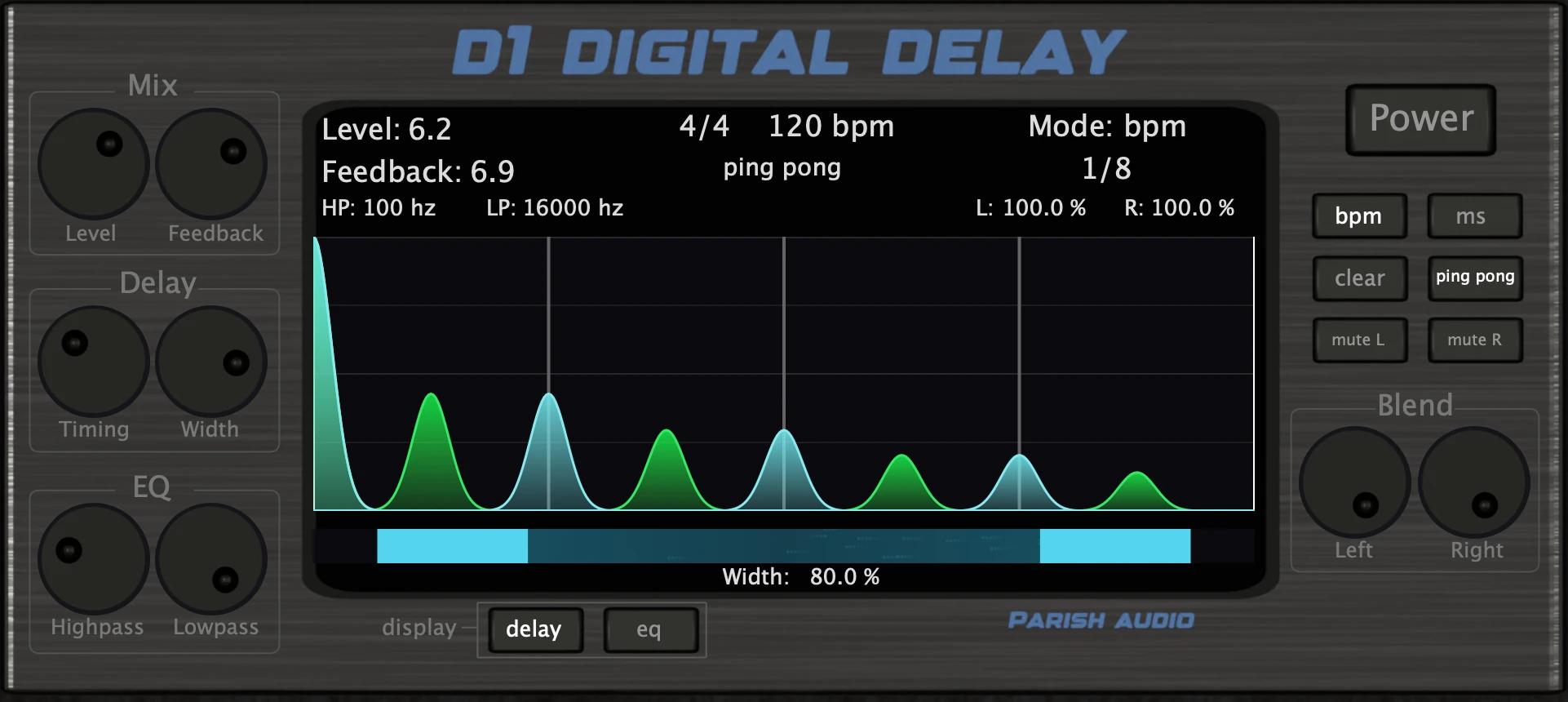
A versatile delay plugin for everything from subtle echoes to wide, rhythmic stereo effects.
$49.95
$29.97
View
Afterburner Guitar Cab Finisher
5 (2)
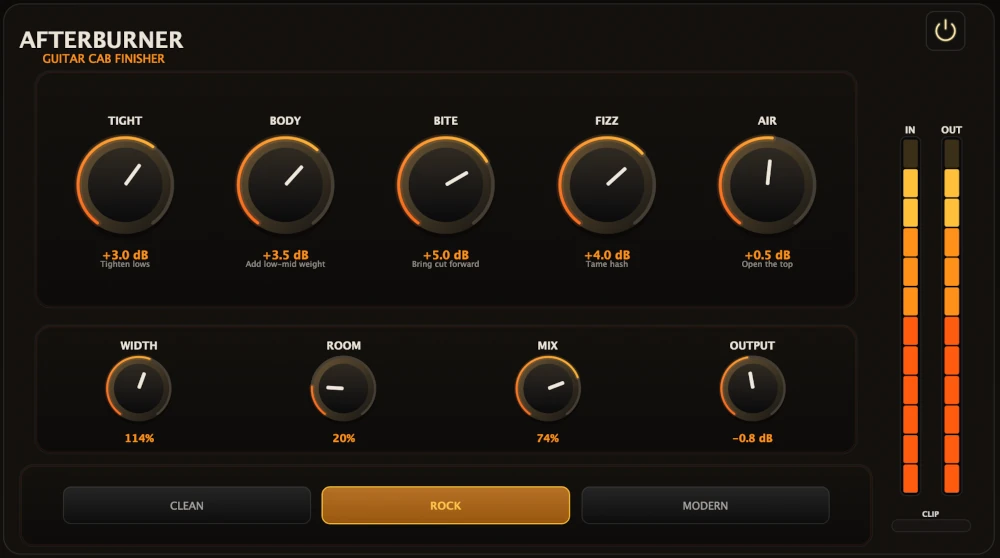
Bring out more harmonic depth, sustain, punch, and presence from your favorite guitar tones.
$39.95
$23.97
View
Aurora Chorus
5 (1)
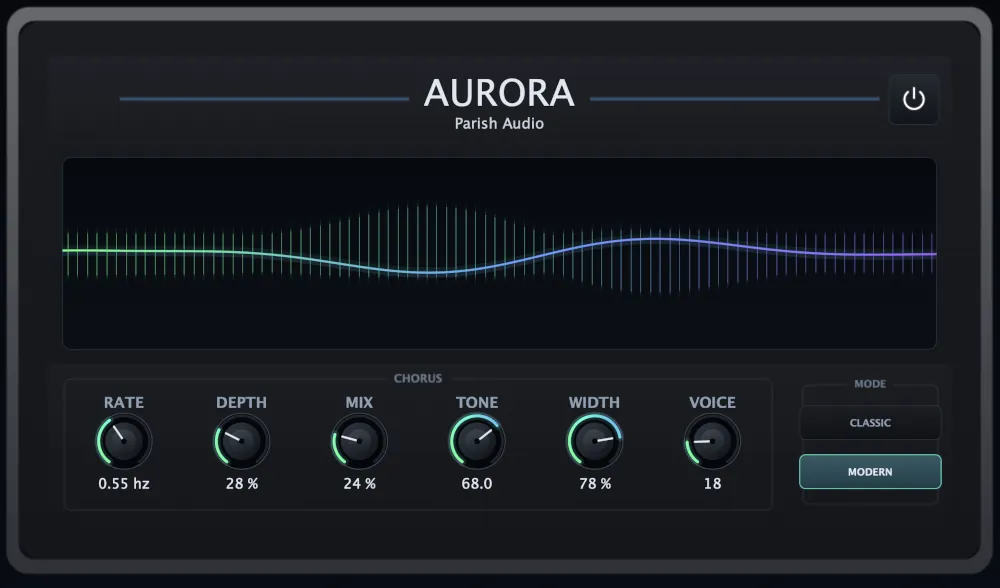
A versatile chorus plugin for adding width, richness, and smooth, expressive movement.
$49.95
$29.97
View
Format: